Loading video…
All videos Locked — part of Pro; create a free account to start.Open on TikTokPro
No preview available yet
Views
84.7K
Likes
1.6K
Comments
13
Shares
843
Engagement
2.8%
of views
59.3xthis account’s usual viewsOutlier
This video84.7KUsual views1.5K
The product
Not selling anything
No product promoted
We didn’t find a product being promoted in this video. Its hook, format and structure below still show why it took off.
Browse products winning on TikTokThe creator
We’re still analyzing this post.
Original caption
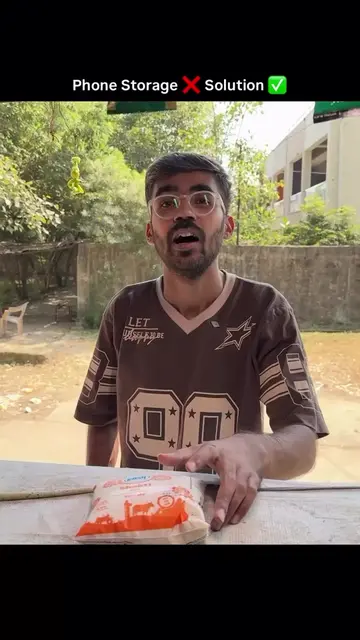
Follow for informative videos ✅ 😩 Aapke phone ki storage bhi hamesha full rehti hai? Yeh simple trick try karo aur unnecessary files delete karke storage free kar lo! → Open WhatsApp → Go to Settings → Tap Storage and Data → Select Manage Storage → Delete unnecessary photos, videos aur large files. 🗑️ 💡 Tip: Delete karne se pehle important photos aur files check kar lena! Share this trick with your friends & family! ✅ Follow @techplusgadgets for more informative videos #WhatsAppTips #StorageFull #TechTips #WhatsAppTricks #TechPlusGadgets [WhatsApp storage full, free up phone storage, WhatsApp manage storage, delete WhatsApp media, WhatsApp tips and tricks, smartphone storage tips, clear unnecessary files, phone storage cleanup, tech tips, TechPlusGadgets]