Loading video…
Sound

original sound - backfreeoffice
backfreeoffice · Original audio
0:00–:––
Playing this video’s own audio, so you’ll hear the creator over the sound.
We didn’t find a product being promoted in this video. Its hook, format and structure below still show why it took off.
Browse products winning on TikTokThe video provides immediate, high-value utility by solving a common physical discomfort for remote workers, using clear and concise visual animations that make the advice easy to digest.
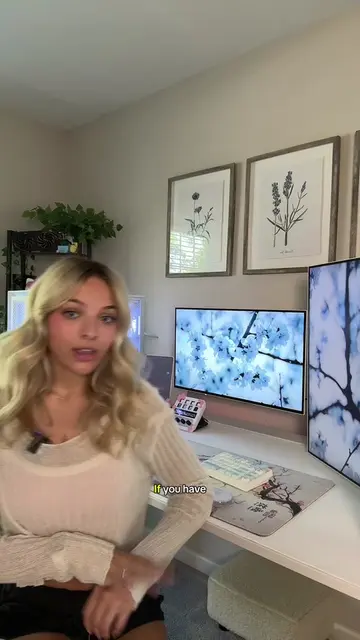
The creator provides ergonomic advice on how to position a laptop and monitor setup to prevent neck strain. The video uses simple animations to demonstrate the correct and incorrect placement of screens.
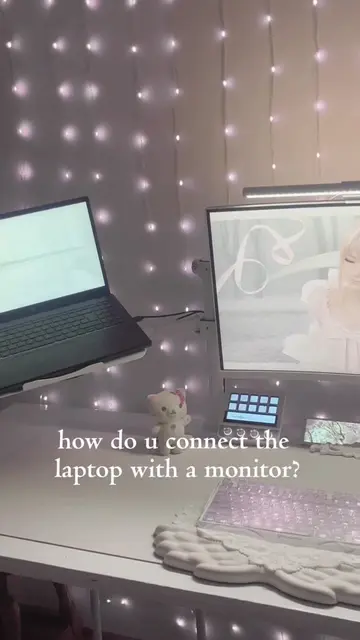
So many of you asked where the laptop goes when you also have monitors. Here’s the answer. Under the monitor is the spot most people pick, and the one your neck likes least. #laptopsetup #desksetup #wfh #homeoffice #ergonomics
LAPTOP + MONITOR?
Identify the common mistake of placing a laptop under a monitor
Explain the ergonomic impact of neck strain
Provide the solution for a monitor-primary setup
Provide the solution for a laptop-primary setup
Advise on keyboard and mouse placement
Summarize the core principle of main screen positioning
Playing this video’s own audio, so you’ll hear the creator over the sound.
Outliers and viral hits: their videos on Overshot, all time.