Loading video…
Sound

original sound - flacamares0
flaca tips 🧠🫀 · Original audio
0:00–:––
Hook
Posted Nov 7, 2026Video · 1:34by @flacamares0
This video promotes it, but we haven’t matched it to a product page yet, so there are no product figures.
The video provides a clear, actionable tutorial for a popular platform feature, solving a common pain point (content creation) with a low-effort, high-reward solution.
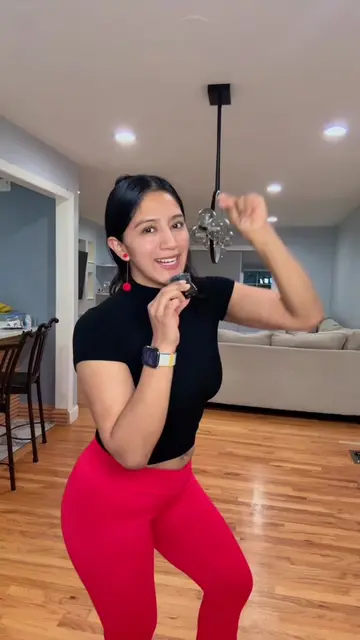
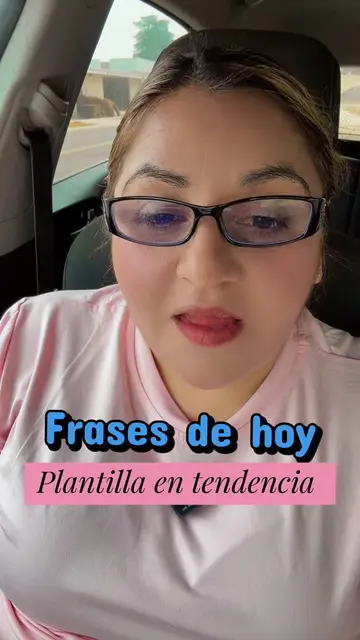
The creator demonstrates how to use TikTok's built-in template feature to easily create aesthetic, motivational videos. She walks through the process of selecting a template, adding clips, and adjusting settings before publishing.
Estrategia para crear un video fácil en TikTok! #estrategia #learnöntiktok #easycontent #template #contentcreator
Mira lo que TikTok ha puesto para que tú hagas un video fácil y bonito.
Introduction to the TikTok template feature
Navigating to the templates section
Selecting and previewing a specific template
Adding media clips to the template
Adjusting settings and publishing the video
(a) TikTok: The interface is operated to demonstrate a feature (templates), and the creator explains how to use it to create a video. This is the subject of the video. Removing it would make the video impossible. (b) CapCut: Appears as a watermark/logo in the top left corner of the screen recording. Removing it would not change the video.
Dime qué te pareció, guarda, comenta, comparte y sígueme para más contenido como este.
Outliers and viral hits: their videos on Overshot, all time.