Loading video…
All breakouts
251App DemoDirect Question hookSaaS
Hook
Still retyping tables from photos?
@wps_office
2.8K followers · usually 1.4K views a post
Views
344.5K
Likes
3.9K
Comments
5
Shares
33
Why it worked
The video addresses a universal, high-friction productivity problem and provides a clear, satisfying 'before and after' demonstration of the solution.
Summary
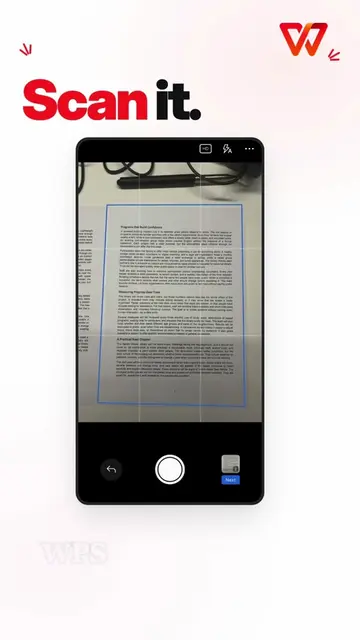
The video demonstrates how to use the WPS Office app to convert a photo of a table into an editable Word document. It highlights the OCR and table extraction features of the software.
Structure
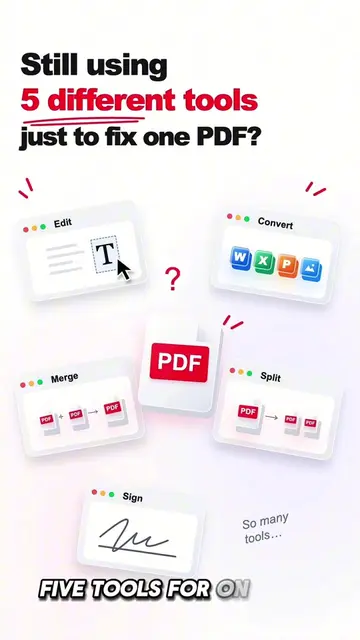
- 1Identify the pain point of manual data entry
- 2Introduce WPS Office as the solution
- 3Demonstrate the extraction process
- 4Show the final editable Word document
Original caption
Still retyping tables from photos? 📸⌨️ Turn table photos into editable Word docs with WPS. ✨ #WPSOffice #OCR #StudyTips #Productivity #OfficeTips #wpseasyoffice
More from @wps_office
More breakout videos from this creator.