Loading video…
Sound

original sound - wps_office
WPS Office · Original audio
0:00–:––
Playing this video’s own audio, so you’ll hear the creator over the sound.
The video addresses a common, relatable pain point (needing to scan a document without a scanner) and provides a quick, satisfying visual demonstration of the solution.
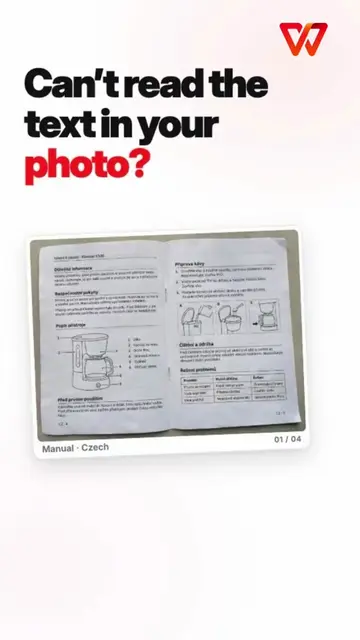
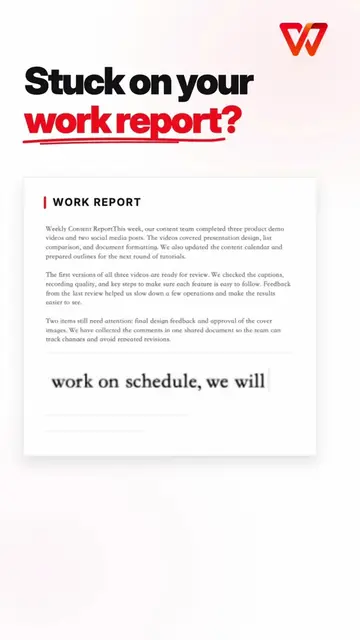
The video demonstrates how to use the WPS Office mobile app to scan physical documents into digital files. It highlights the app's ability to automatically crop pages and export them as various file formats.
No scanner nearby? Open WPS, Your phone’s got this. 📱 #WPSOffice #WPS #QuickScan #Productivity #wpseasyoffice
No scanner nearby?
Identify the problem of needing a scanner
Introduce WPS Quick Scan as the solution
Demonstrate the scanning and cropping process
Show the final export options
Call to action to follow and try the app
WPS Office (a) ACTS: the app interface is shown being operated to scan documents, crop pages, and export files. Removing it would change the entire video as it is the subject of the demonstration.
Follow for more WPS tips. try WPS today
Playing this video’s own audio, so you’ll hear the creator over the sound.
Promotes 1 product. Create free account to see more.
Outliers and viral hits: their videos on Overshot, all time.
Office software for writing, spreadsheets, presentations, and PDF tasks
All time.