Loading video…
Sound

original sound - heru_554
HERU_02🇲🇨 · Original audio
0:00–:––
We didn’t find a product being promoted in this video. Its hook, format and structure below still show why it took off.
Browse products winning on TikTokThe video provides high-utility, step-by-step instructions for a common user pain point (creating engaging content) using native platform tools, which encourages high save and share rates.
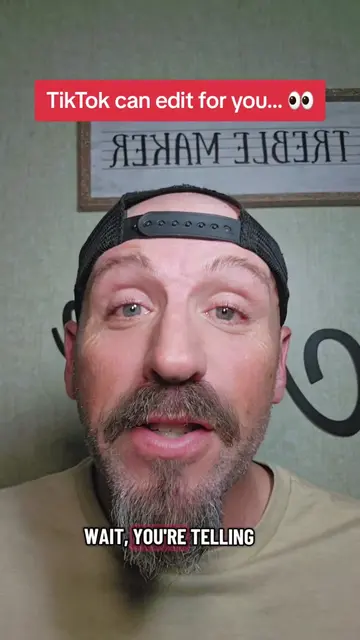
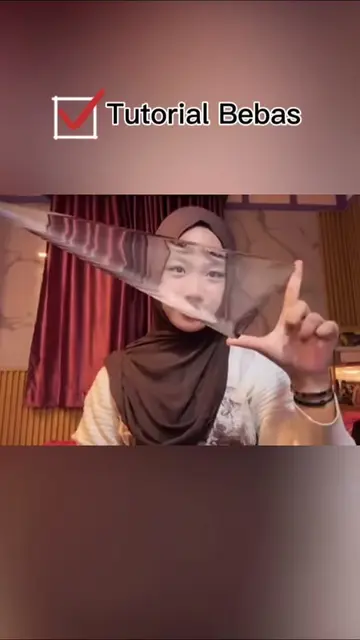
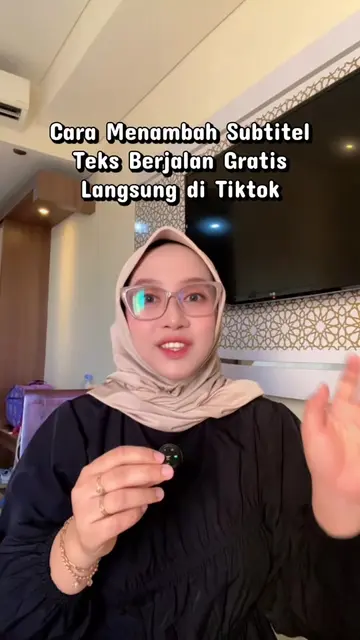
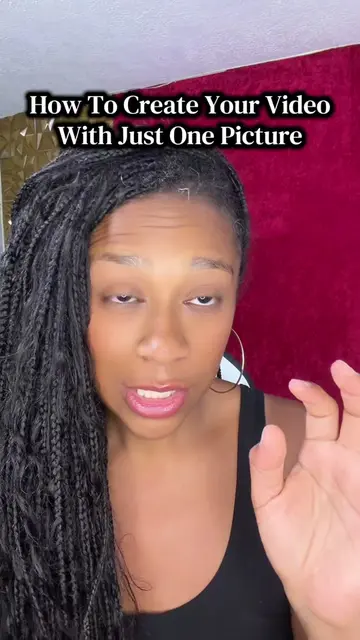
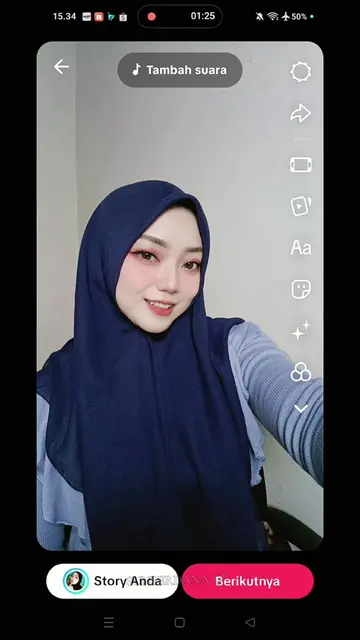
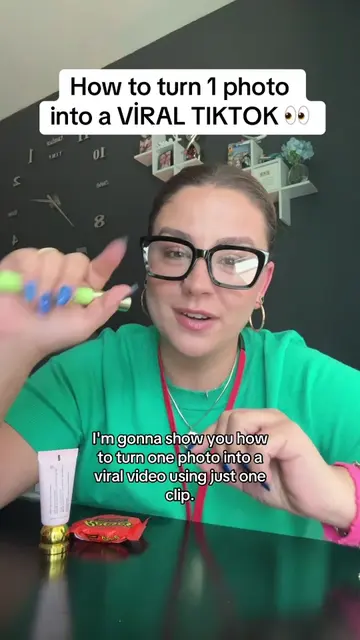
The creator provides a tutorial on how to use the built-in 'Create' and 'Template' features within the TikTok app to generate edited videos with text overlays. The video guides viewers through the interface to select a template and apply it to a photo from their gallery.
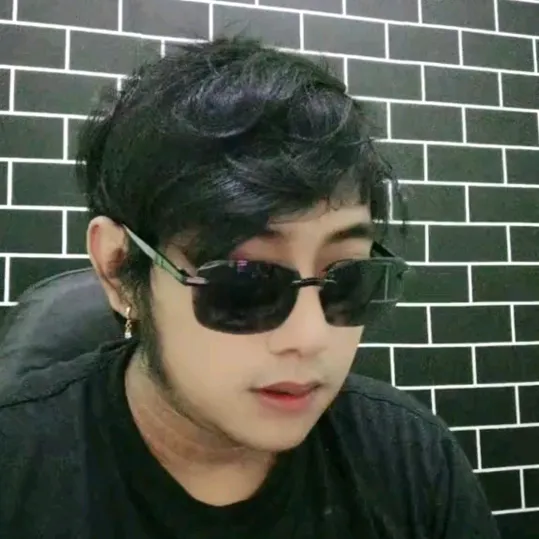
CARA BIKIN KATA-KATA MOTIVASI DAN EDIT VIDEO LANGSUNG DARI TIKTOK #LIVEFEST2026 #LIVEIncentiveProgram #PaidPartnership
Coba kalian perhatikan dulu nih
Introduction to TikTok editing features
Locating the 'Create' button
Navigating the template library
Selecting and applying a template
Finalizing the video with a photo
TikTok: (a) ACTS — the creator demonstrates the 'Create' feature, template selection, and automated video editing interface within the app. Removing this would change the entire video as it is a tutorial on using these specific app features. The app is the subject of the tutorial.
Outliers and viral hits: their videos on Overshot, all time.