Loading video…
Sound

original sound - amandagrowandmonetize
Amanda | Grow and Monetize · Original audio
0:00–:––
Playing this video’s own audio, so you’ll hear the creator over the sound.
We didn’t find a product being promoted in this video. Its hook, format and structure below still show why it took off.
Browse products winning on TikTokThe video provides immediate, actionable value by solving a common pain point for content creators—the time-consuming nature of editing—using a built-in, accessible tool.
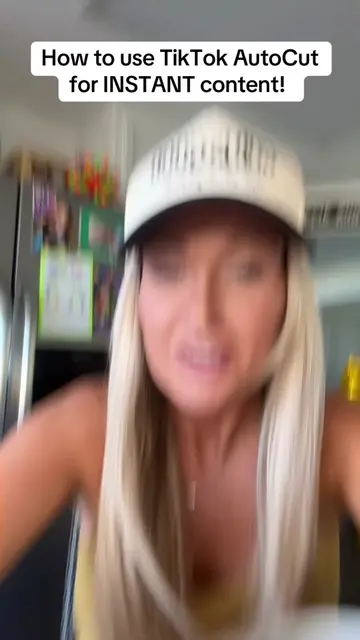
The creator demonstrates how to use the 'AutoCut' feature on TikTok to quickly create videos from existing camera roll content. She explains the step-by-step process to encourage viewers to save time on content creation.
TikTok did it again! 👀 Here's how to use AutoCut to turn a few random photos or videos from your camera roll into an entire video in seconds! No recording or complicated editing needed. Save this for your next content idea #tiktoktips #autocut #tiktokfeatures #contentcreatortips #tiktokgrowth
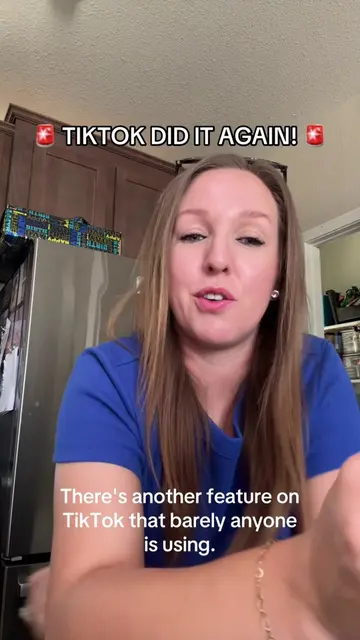
🚨 TIKTOK DID IT AGAIN! 🚨
Introduction to the TikTok AutoCut feature
Step-by-step tutorial on accessing AutoCut
Demonstration of selecting media from camera roll
Explanation of automatic editing and template selection
Final encouragement to save the video for future use
TikTok (a) ACTS: the creator demonstrates the 'AutoCut' feature within the TikTok interface to generate a video. Removing this would change the video entirely as it is the subject of the tutorial.
Save this video so you can come back to it and follow the steps when you need an easy content idea.
Playing this video’s own audio, so you’ll hear the creator over the sound.
Outliers and viral hits: their videos on Overshot, all time.