Loading video…
Sound

original sound - _a_r.wick
alexis Go🎶 · Original audio
0:00–:––
- Videos using it
- 11
- Creators
- 10
- Views on those videos
- 1.5M
Hook
Posted Nov 22, 2026Video · 0:26by @smarthomeview
It solves a common problem of what to do with old tech by providing a clear, aesthetic, and functional use case that is immediately desirable to smart home enthusiasts.
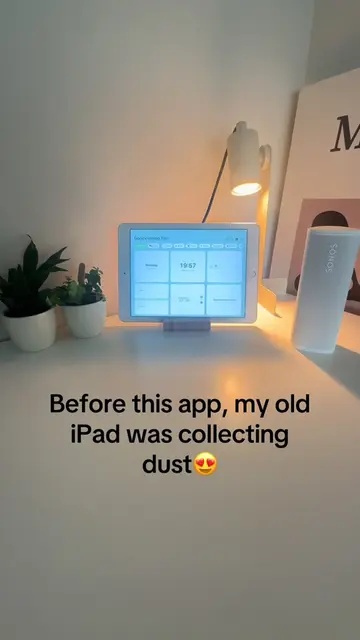
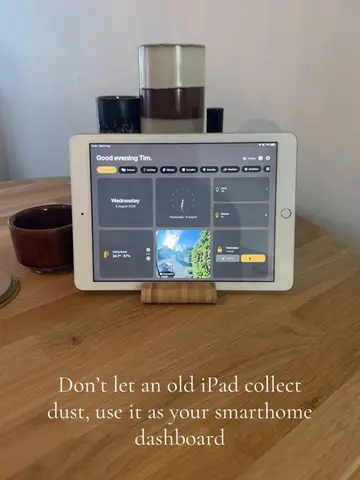
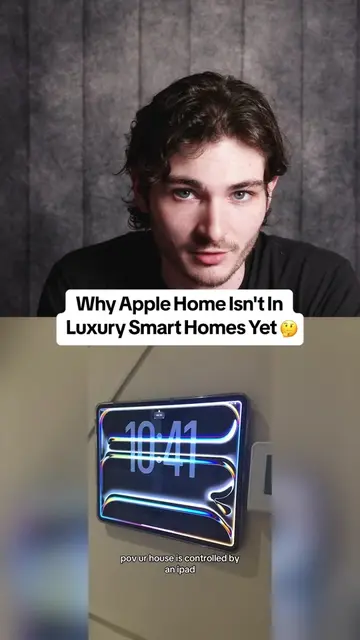
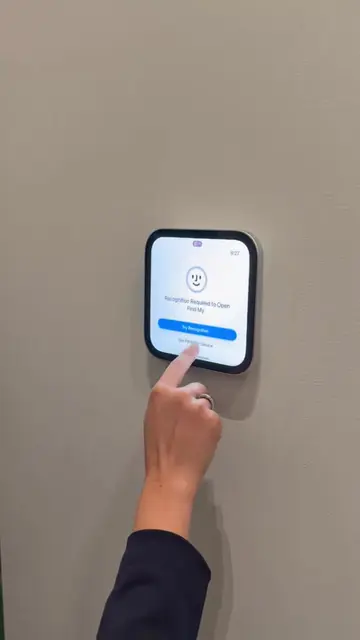
The video demonstrates how to repurpose an old iPad into a smart home dashboard using the HomeView app. It shows the user navigating through various controls like lighting, climate, and security cameras within the app's interface.
Start using your (old) iPad as your new SmartHome dashboard with the HomeView app.#smarthome #homeview #apple #homekit #homeassistant
Start using your iPad as your Smart Home dashboard
Show iPad mounted on wall
Open HomeView app
Demonstrate dashboard overview
Navigate through climate and lighting controls
Show camera feed integration
HomeView (a) acts: the video demonstrates its interface, showing how it functions as a smart home dashboard for controlling lights, climate, and security. Removing it would change the video entirely as it is the subject. Apple (b) appears: the iPad hardware is the device running the app. Removing it would change the video as it is the required hardware for the app.
Outliers and viral hits: their videos on Overshot, all time.
IPad app that displays smart home controls, weather, and household lists
All time.