Loading video…
Sound

I'm in love
Africa Sings · Original audio
0:00–:––
Playing this video’s own audio, so you’ll hear the creator over the sound.
The video leverages a trending aesthetic and provides a clear, low-friction tutorial on how to replicate it using a specific tool, making the product feel essential for achieving the look.
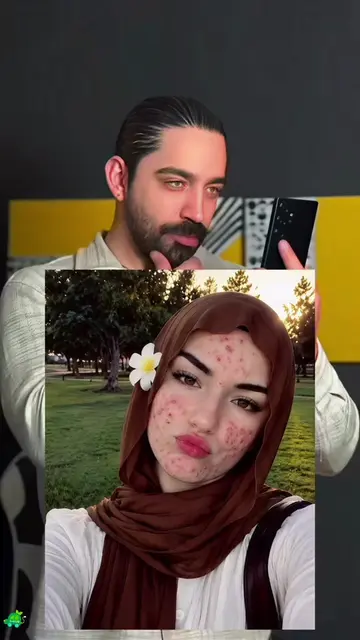
The creator demonstrates how to use a specific AI photo template within the Hypic app to create a viral three-panel beauty video. The video shows the app's interface and the process of selecting and applying the effect to achieve a cinematic green light look.
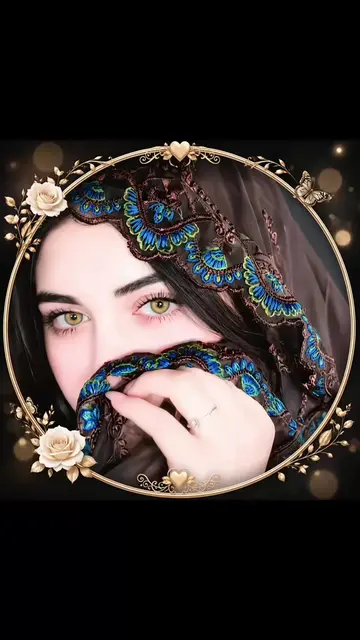
Hypic GodPic AI Photo Editing Tutorial lips eyes trending video 🟢 Viral 3 panel green light lip combo | Naija TikTok trend You must have seen this everywhere on Nigerian TikTok! Three clips: eye close-up, side face, glossy lip shot, with that beautiful green cinematic glow. Make this high-quality beauty look fast with this Hypic template. No studio lights, no hard editing. Great for lip combo & makeup posts. Try it now! #threepanelportrait #Godpic #hypic #hypiccreator #naijatiktok @hypic_global
Okay, let's go.
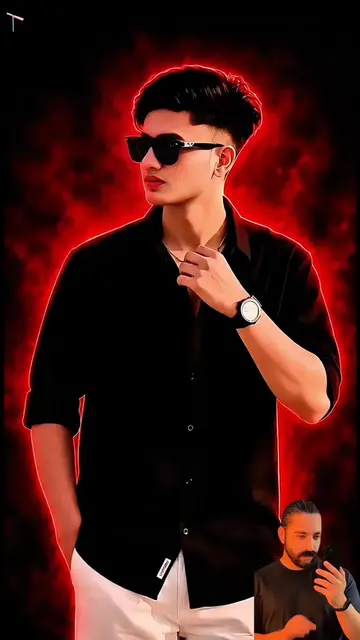
Showcase of the final AI-generated video result
Screen recording of the Hypic app interface
Demonstration of selecting the template
Call to action to use the template
(a) Hypic ACTS: the interface is operated to select a template, apply an AI effect, and generate the final video result. Removing this would change the video as it is a tutorial for this specific app. (b) TikTok APPEARS: the platform interface is visible throughout. Removing this would not change the core tutorial content.
Use template on Hypic
Playing this video’s own audio, so you’ll hear the creator over the sound.
AI photo-editing app for people creating retouched and stylized images
Views and creators: posted in the last 30 days (English videos). Videos: all time.
Promotes 2 products. Create free account to see more.
Outliers and viral hits: their videos on Overshot, all time.