2.7Mviews1.6K×
Posted Sep 24, 2026
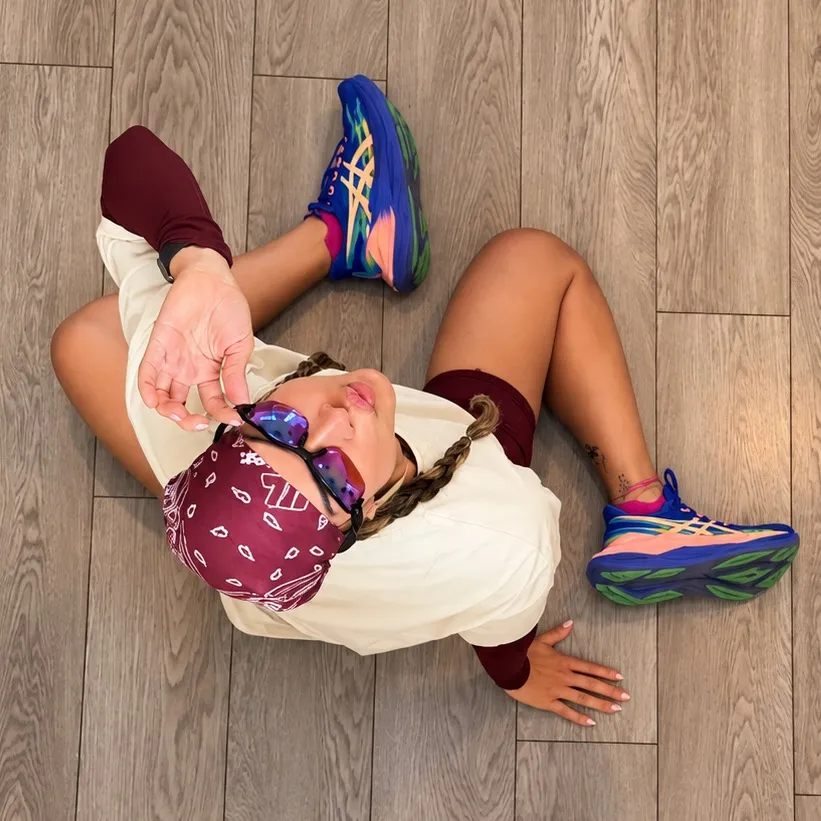
How to create this post-run story 🏃♀️✨ 1. Take your photo and upload it to your Instagram Stories. 2. Open Strava → tap the share arrow → scroll to the right → save the image to your camera roll. 3. Back on Stories, go to Stickers → Photo → select the Strava image. 4. Tap the Strava image and choose the crop option. I crop everything out except the Strava logo, resize it and place it where I want it. 5. Go to Stickers again → Cutouts → select your original photo and turn yourself into a sticker. 6. Place the cutout over the Strava name/details you want to hide. 7. Go back to Stickers → Photo → select the Strava image again and crop it to keep only the stats you want to show. And that’s it. Your cute post-run story is ready. 🎀 SAVE this for your next run because this is only the first of many running content tutorials. 👀 #RunningGirls #RunningContent #StravaRunning #runningtips #beginnerrunner
See the breakdown