Loading video…
All breakouts
12.2Silent UGCWarning hookConsumer Apps
Hook
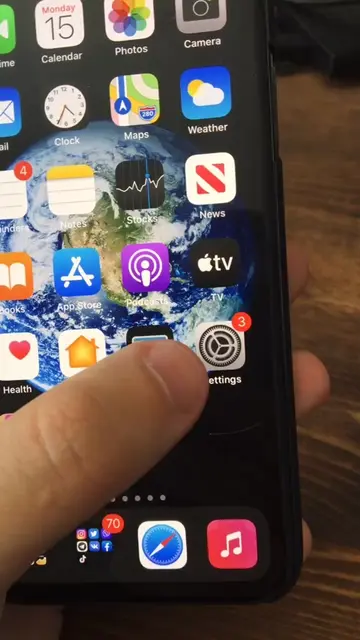
Turn off any of these iPhone settings now.
@appiphonation
72.4K followers · usually 7.8K views a post
Views
94.3K
Likes
2.3K
Comments
9
Shares
181
Why it worked
The video provides immediate, actionable value by addressing a universal pain point (battery life) with a clear, step-by-step visual demonstration.
Summary
The video provides a quick tutorial on how to improve iPhone battery life by disabling specific privacy and background app settings. It guides the user through the menu paths to turn off motion and fitness tracking and background app refresh.
Structure
- 1Introduction to iPhone settings optimization
- 2Navigating to privacy settings
- 3Disabling motion and fitness tracking
- 4Navigating to background app refresh settings
- 5Disabling background app refresh
On-screen text
TURN OFF these iPHONE SETTINGS NOW!!😱🤯
Transcript
Turn off any of these iPhone settings now. In the settings, privacy. The last one, motion and fitness. If you never track your steps or anything like that, turn this off because it's consuming battery. Now in the general, background app refresh. Like it says in here, turning this off may give you more battery.
Original caption
These iPhone settings must be off on any iPhone! #iphonesettings #iphone #iphonesettingschallenge #ios
More from @appiphonation
More breakout videos from this creator.