Loading video…
All breakouts
17.6App DemoStory Open hookConsumer Apps
Hook
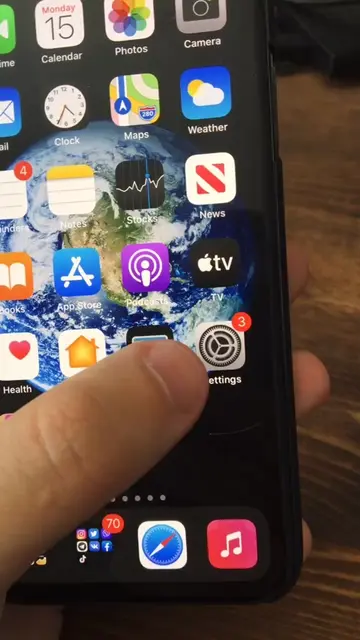
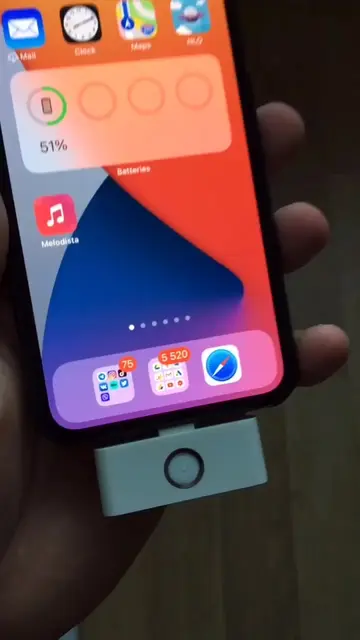
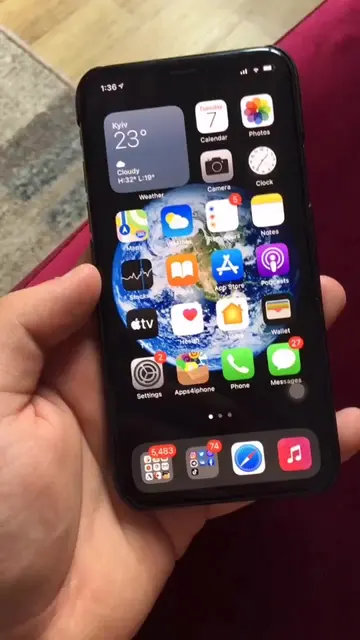
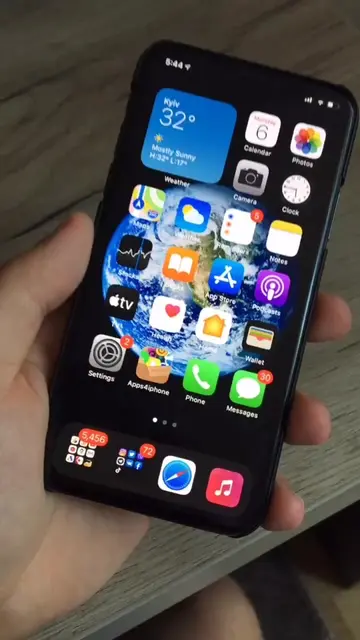
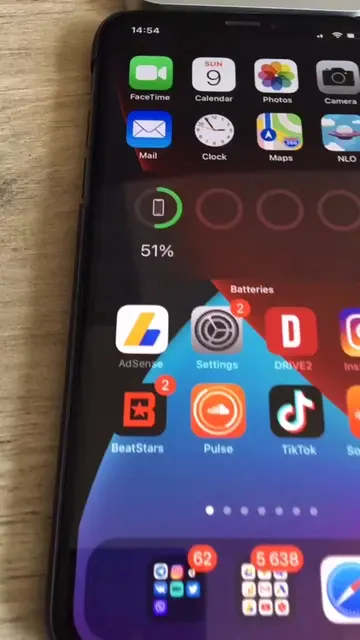
Now if you didn't know Apple yesterday presented the iOS 14 and I've already got it installed on my iPhone 6s here.
@appiphonation
72.4K followers · usually 7.8K views a post
Views
136.5K
Likes
5.4K
Comments
77
Shares
596
Promoted product
apps4iphone.netapps4iphone.net ↗
Why it worked
The video leverages high-interest tech news (iOS 14 release) and promises a 'hack' to get the feature on unsupported hardware, which creates strong curiosity and urgency.
Summary
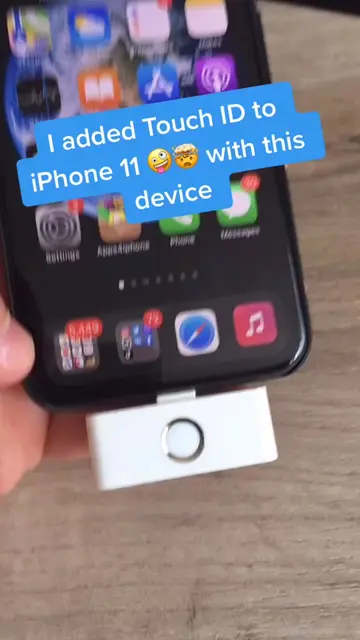
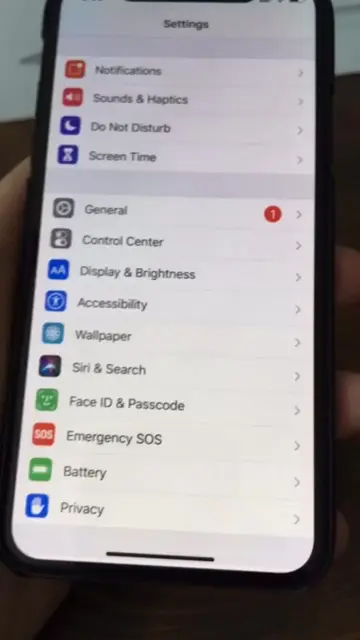
The creator demonstrates how to install the iOS 14 beta on an older iPhone model without a developer account by using a third-party website. The video guides the viewer through the process of downloading a profile from the site and installing it via the phone's settings.
Structure
- 1Hook announcing iOS 14 installation on an older device
- 2Demonstration of navigating to the website
- 3Instructions on downloading the profile
- 4Steps to install the profile in settings
- 5Final confirmation of the update
Product placement
The website apps4iphone.net is the central tool being promoted to bypass official Apple update requirements.
Call to action
share this video with your friends
Original caption
As easy as 1 2 3 we install iOS 14 today on any iPhone! #ios14 #ios14beta
More from @appiphonation
More breakout videos from this creator.