Loading video…
All breakouts
142App DemoCuriosity Gap hookConsumer Apps
Hook
I bet you don't know about this iPhone Camera feature
@appiphonation
72.4K followers · usually 7.8K views a post
Views
1.1M
Likes
17.6K
Comments
97
Shares
2.0K
Why it worked
The video provides a quick, actionable, and highly relevant tip for a massive user base (iPhone owners) that solves a common annoyance with selfie cameras.
Summary
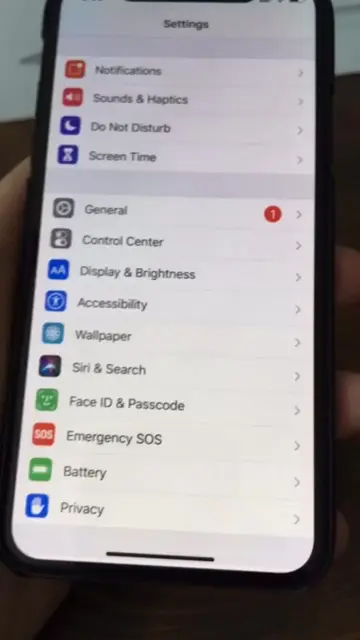
The video demonstrates how to enable the 'Mirror Front Camera' feature in the iPhone settings to change how selfies are captured. It shows the user navigating through the settings menu and compares a photo taken before and after the feature is enabled.
Structure
- 1Hook stating an unknown iPhone feature
- 2Navigate to iPhone settings
- 3Locate camera settings
- 4Enable mirror front camera
- 5Show before and after comparison
Call to action
Try it on your own.
On-screen text
I bet you don't know about this iPhone Camera feature
Transcript
I bet you don't know about this iPhone Camera feature. If you take a lot of selfies, I promise you'll enjoy this. Go into your camera and settings. There's a new option for mirroring front camera. Turn this one on. See, that's before, and that's after. Try it on your own.
Original caption
You 100% never heard about it #iphonecamera #iphone11 #iphone11promax #iphonetricks
More from @appiphonation
More breakout videos from this creator.