Loading video…
All breakouts
26.4App DemoHow-To hookSaaS
Hook
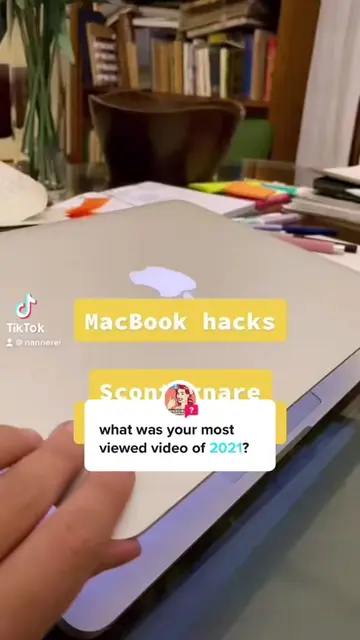
MacBook hacks Scontornare con Anteprima
@nannerel
3.9K followers · usually 3.0K views a post
Views
79.0K
Likes
4.1K
Comments
22
Shares
288
Why it worked
The video provides high-utility, actionable advice for a common problem (removing image backgrounds) using a native, free tool, which saves the viewer time and money.
Summary
The video demonstrates a quick and easy way to remove the background from an image using the built-in Preview app on a MacBook. It guides the viewer through selecting the object, inverting the selection, and saving the result as a transparent PNG file.
Structure
- 1Introduction to the MacBook hack
- 2Opening the image in Preview
- 3Using the Smart Lasso tool to outline the object
- 4Inverting the selection and deleting the background
- 5Converting and saving the final transparent image
On-screen text
MacBook hacks
Scontornare con Anteprima
Transcript
MacBook hacks. Scontornare con Anteprima. Apri l'immagine con Anteprima sul Mac. Apri l'immagine con Anteprima. Vai su Modifica. Scegli Lacci Smart e segui il perimetro dell'oggetto che vuoi scontornare. Non serve essere perfetti. Ora vai su Modifica e seleziona Inverti selezione. Premi il tasto Delete. Converti questo documento in PNG? Fatto. Ora hai un oggetto scontornato e dallo sfondo trasparente da utilizzare comodamente nelle tue grafiche.
Original caption
Con Anteprima sul Mac scontorni ogni immagine in un attimo 💫 #macbookhacks #webdesign #webdesigntips #macbookadvice #grafica
More from @nannerel
More breakout videos from this creator.