Loading video…
All breakouts
24.4App DemoHow-To hookSaaS
Hook
Come scontornare un'immagine con Anteprima
@nannerel
3.9K followers · usually 3.0K views a post
Views
72.9K
Likes
3.1K
Comments
10
Shares
321
Why it worked
The video provides high-utility, 'hidden' knowledge about a tool the viewer likely already owns, making it highly shareable and saveable.
Summary
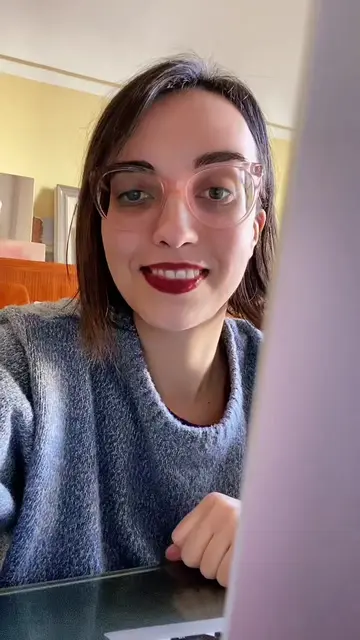
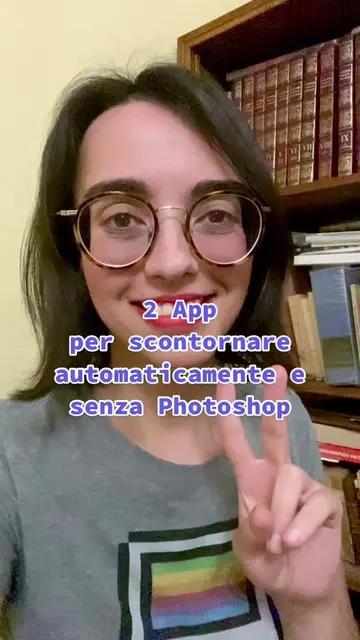
The creator demonstrates a built-in feature of the macOS Preview app that allows users to remove the background from an image. The video provides a step-by-step tutorial on using the 'Smart Lasso' tool to isolate an object and make the background transparent.
Structure
- 1Introduce the task of removing a background
- 2Open the image in Preview
- 3Select the Smart Lasso tool
- 4Trace the object outline
- 5Invert selection and delete background
- 6Show the final transparent image
On-screen text
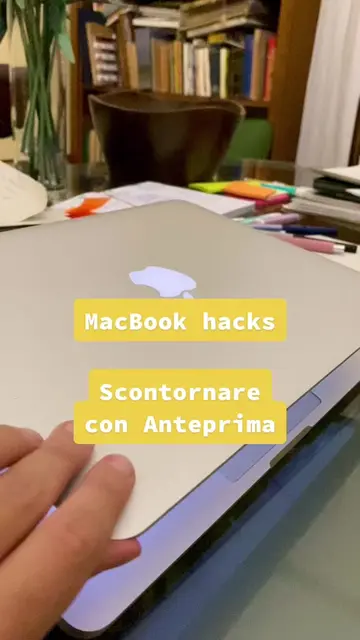
MacBook hacks
Come scontornare un'immagine con Anteprima
Transcript
Come scontornare un'immagine con Anteprima. Apri l'immagine con Anteprima. Vai su modifica. Scegli Laccio smart e segui il perimetro dell'oggetto che vuoi scontornare. Non serve essere perfetti. Ora vai su modifica e seleziona Inverti selezione. Premi il tasto delete. Fatto. Ora hai un oggetto scontornato e dallo sfondo trasparente da utilizzare comodamente nelle tue grafiche.
Original caption
Rispondi a @neatofindsplus Un #macbooktip nascosto 🤩 utilissimo per #grafica e #webdesign! #macbooktips #macbookadvice #mackbookhack #webdesigntips #webdesignertips #graphic #graphicdesign #photoediting #photoeditingapp #graphicdesigntips #imageediting #macbookadvice
More from @nannerel
More breakout videos from this creator.