Loading video…
All breakouts
5.4App DemoHow-To hookConsumer Apps
Hook
간단한 앱 만드는 방법 15초 만에 알려줄게요
@harry.coding
4.4K followers · usually 5.6K views a post
Views
28.0K
Likes
857
Comments
15
Shares
52
Why it worked
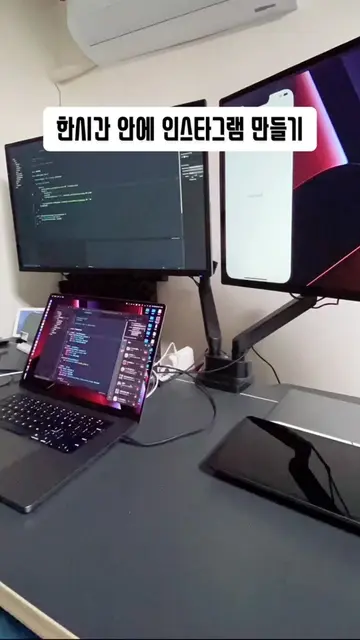
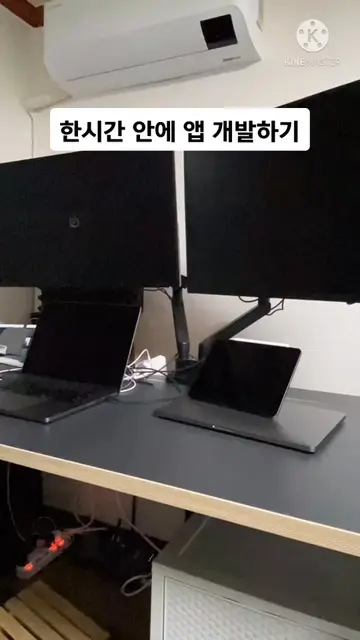
The video's short duration and clear, step-by-step demonstration of creating an app using SwiftUI likely appealed to viewers looking for quick and practical coding tutorials. The use of on-screen text and visual cues made it easy to follow.
Summary
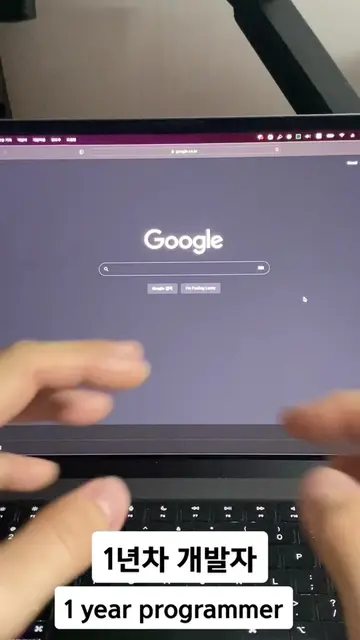
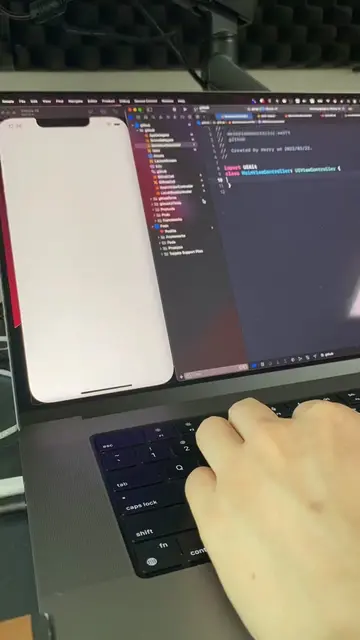
This video demonstrates how to create a simple app using SwiftUI in 15 seconds. It covers creating a project, searching for SwiftUI webview, copying and pasting code, inputting website information, and running the app.
Structure
- 1Introduction: Learn to make a simple app in 15 seconds
- 2Step 1: Create a new project
- 3Step 2: Search for SwiftUI webview
- 4Step 3: Copy and paste code
Original caption
간단한 앱 만들기 #개발자 #코딩 #프로그래머 #programmer #porgramming #앱개발 #앱개발자 #swiftui #ios개발 #ios개발자 #개발
More from @harry.coding
More breakout videos from this creator.