Loading video…
Sound

original sound - mongkon.krirk
สอนเขียนแอพง่ายๆ โดย MrNeo · Original audio
0:00–:––
Playing this video’s own audio, so you’ll hear the creator over the sound.
This video promotes it, but we haven’t matched it to a product page yet, so there are no product figures.
The video provides high-value, actionable technical knowledge in a clear, step-by-step format, making it highly useful for aspiring developers.
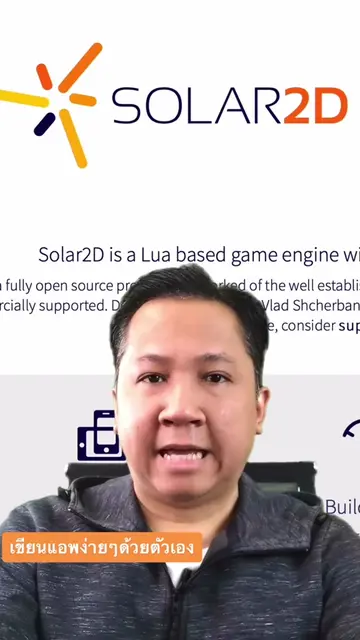
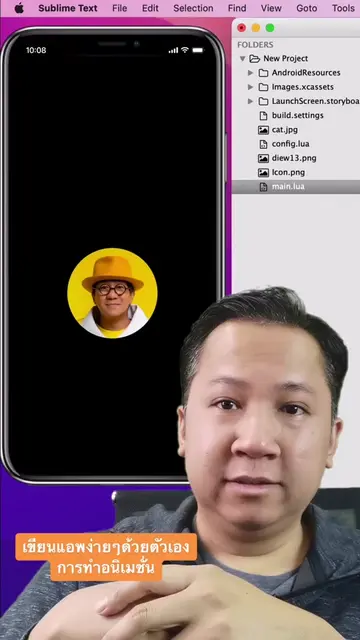
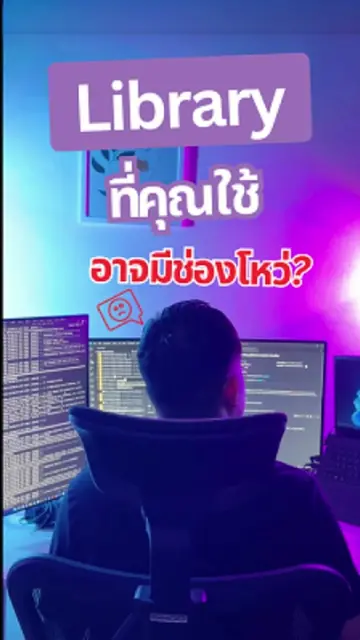
The creator demonstrates how to program a button interaction in the Solar2D development environment. He explains the code structure for touch events, specifically handling the 'began' and 'ended' phases of a button press.
เขียนแอพง่ายๆด้วยตัวเอง #tiktokuni #mobileappdevlopment #education #mobileapp #mobileappdevlopment #โน๊ตอุดม #สอนเขียนแอพ #solar2d #เดี่ยว13 #course #coding #programming #ios #android #crossplatform #developer #softwaredevelopment
สอนทำปุ่มกด
Introduction to the tutorial topic
Loading an image asset into the project
Adding an event listener for touch interactions
Defining the touch listener function
Implementing logic for press and release phases
Testing the interaction in the simulator
The video is a tutorial using the Solar2D software, which is mentioned by name at the end.
ใครสนใจก็กดหัวใจกดติดตามไว้ครับ
Playing this video’s own audio, so you’ll hear the creator over the sound.
Outliers and viral hits: their videos on Overshot, all time.