Loading video…
All breakouts

Locked — included with Pro.Open on TikTokPro
Pro links straight through to the original post.
24.9Talking HeadWarning hook
Hook
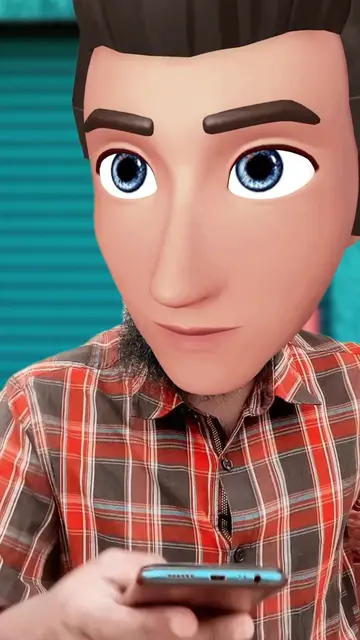
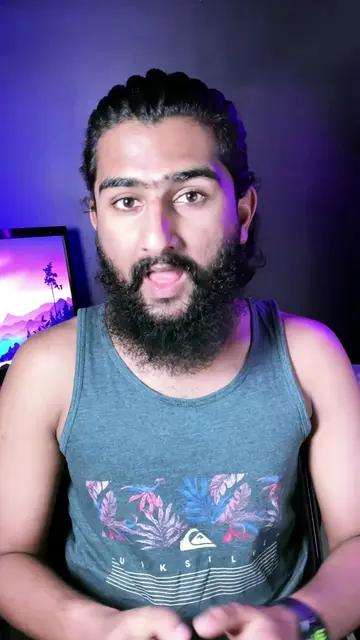
Agar aap bhi apni apps ko kuch is tarah se delete karte ho na, toh aaj ke baad aise nahi karna.
@technicalsign2.o
36.7K followers · usually 58.9K views a post
Views
1.5M
Likes
42.0K
Comments
184
Shares
2.9K
Why it worked
The video addresses a common, relatable fear regarding digital privacy and provides a clear, actionable solution that viewers can immediately apply to their own devices.
Summary
The creator explains that uninstalling apps from a phone does not automatically revoke their access to the user's Google account. He provides a step-by-step tutorial on how to navigate Google settings to identify and remove these connected apps to ensure data privacy.
ProLocked — included with Pro
Transcript, structure and on-screen text
5 beats, a 143-word transcript and 3 lines of on-screen text — the parts you need to write your own version.
The hook, the summary, why it worked and what it sells stay open on every video, signed in or not.
Original caption
𝗣𝗮𝗿𝘁 𝟲𝟬 || They are Spying! 😰 Some apps may still retain access to your Google account even after uninstalling them from your phone, here's how you can remove them : Step 1 : Go to settings. Step 2 : Click on Google. Step 3 : Now click on "Settings for Google apps," then choose "Connected apps." Step 4 : Here's the list of apps that have access to your Google account, even after uninstalling. Step 5 : Select the app and remove access from the Google account #pakvsind #safetogether #google #googletricks #security #privacymatters #Tech #TechTips #technicalsign #osamasargana
More from @technicalsign2.o
Their other posts in the index, biggest breakout first.