Loading video…
All breakouts
203App DemoHow-To hookCreator Economy
Hook
How I edit this photo
@aung.ye.yint523
47.9K followers · usually 4.7K views a post
Views
954.1K
Likes
54.5K
Comments
110
Shares
1.1K
Why it worked
The video provides high-value, actionable 'behind-the-scenes' content that solves a specific user problem (how to achieve a certain look) without being overly salesy.
Summary
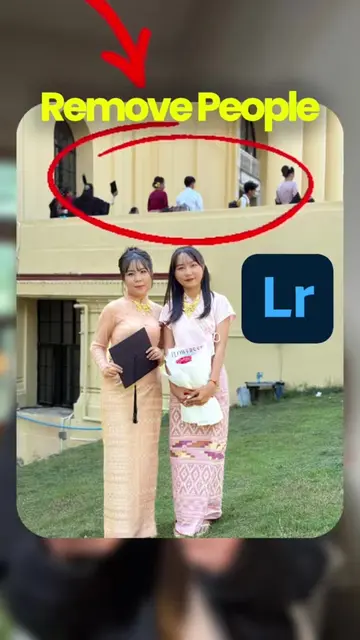
The creator demonstrates their photo editing process using Adobe Lightroom mobile, showing the specific adjustments made to exposure, contrast, color, and lens blur. The video concludes with a before-and-after comparison of the edited image.
Structure
- 1Display raw photo vs edited photo
- 2Show light and exposure adjustments
- 3Show color grading and color mix settings
- 4
Original caption
Lightroom editing timeline 📷📸#lightroom #lightroommobile #photoedit #photoediting #mobilephotography #fyp #foryou #foryoupage #trending #growmyaccount #viral #millionviews @Aung Ye Yint @Aung Ye Yint @Aung Ye Yint
More from @aung.ye.yint523
More breakout videos from this creator.