Why it worked
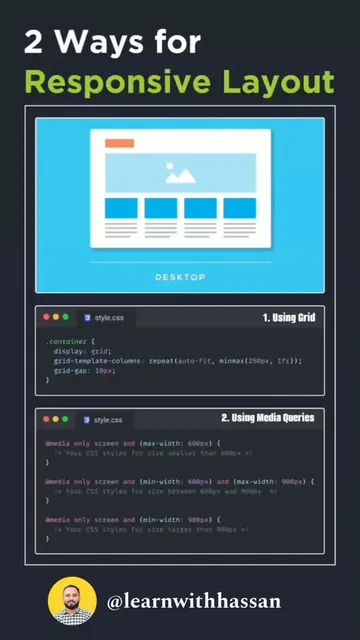
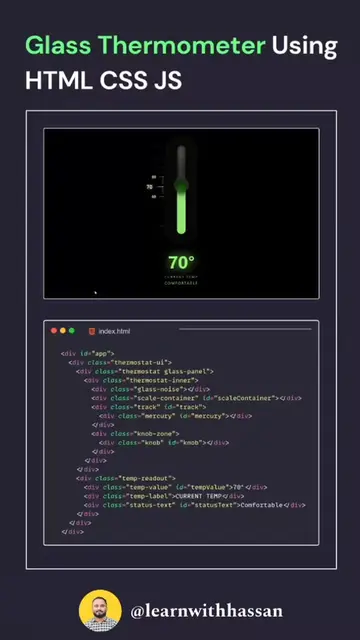
The video provides a concise and visual explanation of a specific CSS property, making it easy for developers to understand and apply. The use of code snippets and visual previews aids comprehension.
Summary
This video demonstrates the 'gap' property in CSS Grid. It shows how to use 'row-gap', 'column-gap', and the shorthand 'gap' property to control spacing between grid items.
Structure
- 1Introduce Grid Gap
- 2Show row-gap
- 3Show column-gap
- 4Show shorthand gap
Product placement
The video demonstrates CSS Grid properties, specifically 'gap', 'row-gap', and 'column-gap'.
On-screen text
Grid Gap
Preview
#style.css
.grid {
display: grid;
row-gap: 10px;
}
.grid {
display: grid;
column-gap: 10px;
}
.grid {
display: grid;
gap: 20px;
}
.grid {
display: grid;
gap: 10px 30px;
}