Loading video…
All breakouts

31.0Text-HeavyOther hook
Hook
CSS Flexbox
@talbcode
6.7K followers · usually 803 views a post
Views
24.9K
Likes
2.0K
Comments
5
Shares
117
Why it worked
The video uses a clean, high-contrast visual format that makes complex technical concepts instantly understandable without requiring any narration.
Summary
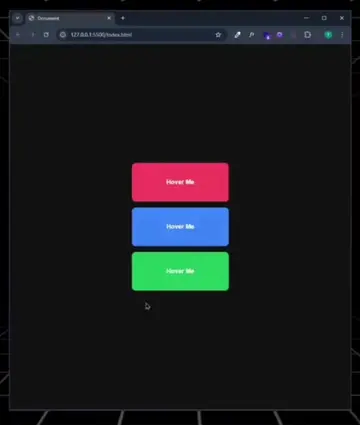
This video provides a visual demonstration of how different CSS Flexbox properties affect the layout and alignment of HTML elements. It cycles through various flex-direction and justify-content settings to show their impact on a container.
Structure
- 1Introduction to CSS Flexbox
- 2Demonstrating flex-direction properties
- 3Demonstrating justify-content properties
- 4Demonstrating align-items properties
On-screen text
CSS Flexbox
HTML
<div class='container'>
<div class='item'>1</div>
<div class='item'>2</div>
</div>
CSS
.container {
display: flex;
flex-direction: row;
flex-direction: row-reverse;
flex-direction: column-reverse;
flex-direction: column;
justify-content: flex-start;
justify-content: flex-end;
justify-content: center;
justify-content: space-between;
justify-content: space-around;
justify-content: space-evenly;
align-items: flex-start;
align-items: flex-end;
align-items: center;
align-items: stretch;
}
Original caption
CSS Flex-Box #creativedesign #talbcode #webdesign #GlowUp #htmlcss
More from @talbcode
Their other posts in the index, biggest breakout first.