Loading video…
Sound

original sound - maestro_technology
مايسترو التكنولوجيا- هاني شاكر · Original audio
0:00–:––
Playing this video’s own audio, so you’ll hear the creator over the sound.
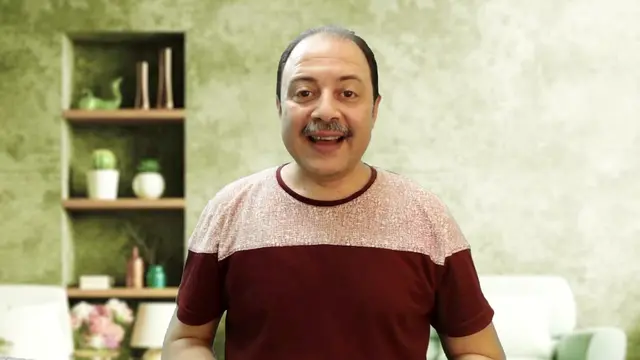
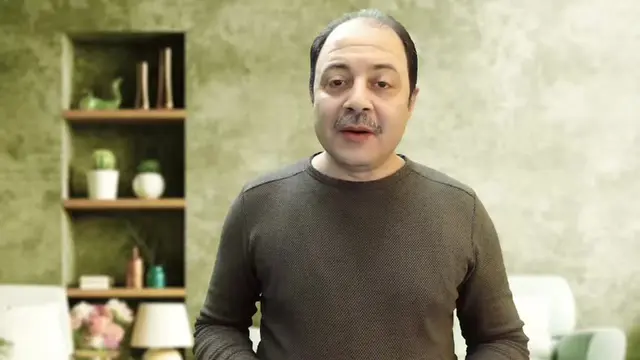
The video provides a practical and valuable solution to a common user concern: safely testing unknown software or links. By demonstrating a built-in Windows feature that addresses this need, it offers immediate utility and encourages engagement.
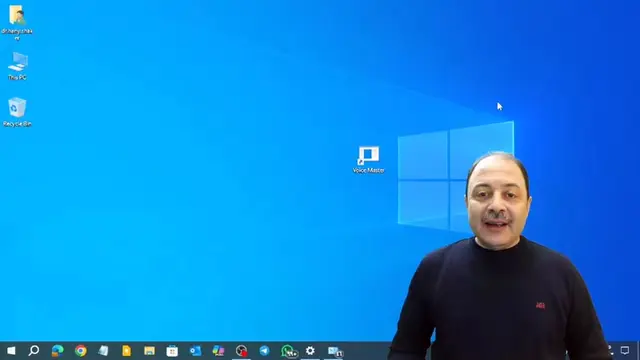
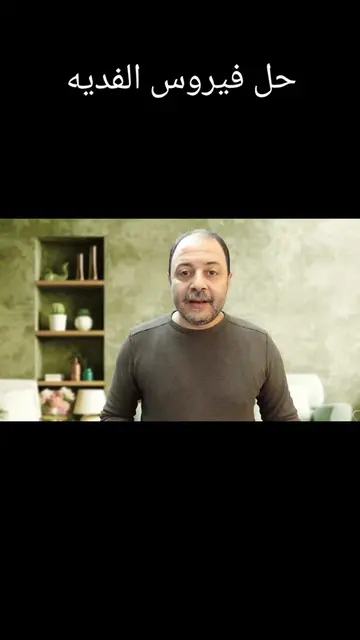
The video demonstrates how to enable and use Windows Sandbox, a feature that allows users to run applications in an isolated, virtual environment within their main Windows operating system. This provides a safe space to test potentially risky software or links without affecting the primary system.
نظام ويندوز افتراضي داخل الويندوز.. إزاي Windows Sandbox يخليك تجرب أي حاجة بسهولة #Windows_Sandbox #تجربة_البرامج #نصايح_تقنية #VirtualWindows #TechTips #SoftwareTesting #مايسترو_التكنولوجيا
هو ايه الابهر اللي عاملاه مايكروسوفت ده؟
Introduce the problem/excitement
Show how to find and enable Windows Sandbox
Demonstrate opening and using Windows Sandbox
Explain the benefits of using Sandbox
Conclude with a call to action
American Eagle (appears, removing it would not change what happens in the video) Microsoft (acts - it is the operating system that the video demonstrates features of, removing it would fundamentally change the video) Windows Sandbox (acts - it is the feature being demonstrated and explained, removing it would change what happens in the video)
Like, share, and comment
Playing this video’s own audio, so you’ll hear the creator over the sound.
Promotes 4 products. Create free account to see more.
Outliers and viral hits: their videos on Overshot, all time.
Isolated desktop environment for Windows users testing applications or files
All time.