Loading video…
Sound

original sound - smart.easy
Smart & Easy | Tech & AI · Original audio
0:00–:––
Playing this video’s own audio, so you’ll hear the creator over the sound.
This video promotes it, but we haven’t matched it to a product page yet, so there are no product figures.
The video provides a practical and actionable security tip for a widely used application, addressing a common user concern about malicious files and data usage. The clear, step-by-step demonstration makes it easy to follow and implement.
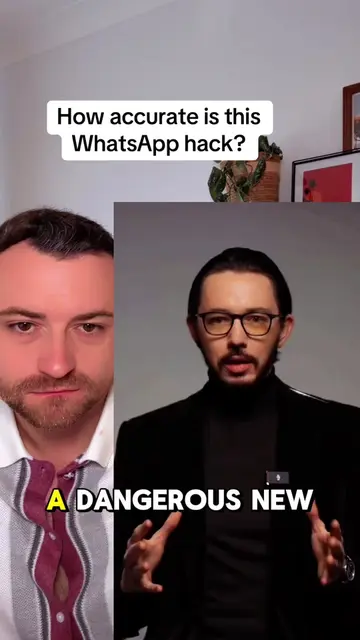
This video demonstrates a WhatsApp security tip by showing users how to disable automatic media downloads for photos, audio, video, and documents. The creator explains that this setting change will help protect users from downloading malicious files sent from unknown numbers.
Keep your WhatsApp secure! Do this quick trick to stop malicious files from downloading automatically. Like & Follow for more. #PrivacyTips #OnlineSafety #WhatsAppTricks #WhatsAppHacks #WhatsAppSettings #WhatsAppSecurity
Powerful WhatsApp
Introduce WhatsApp tip
Navigate to Chats settings
Disable 'Save to Photos'
Navigate to Storage and Data
Disable media auto-downloads
Explain security benefit
WhatsApp ACTS - it is an application whose settings are being modified to enhance security. Removing it would change what happens in the video.
Like & Follow for more.
Playing this video’s own audio, so you’ll hear the creator over the sound.
Promotes 7 products. Create free account to see more.
Outliers and viral hits: their videos on Overshot, all time.