Loading video…
All videos
Hook
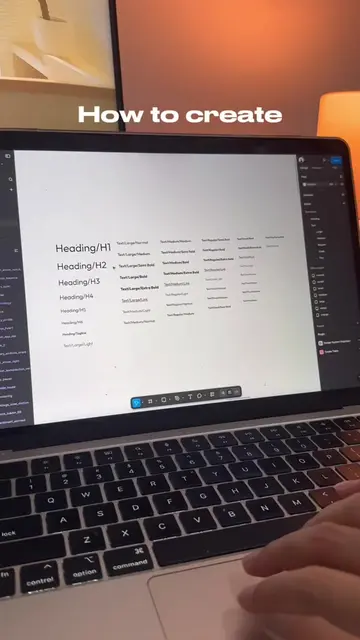
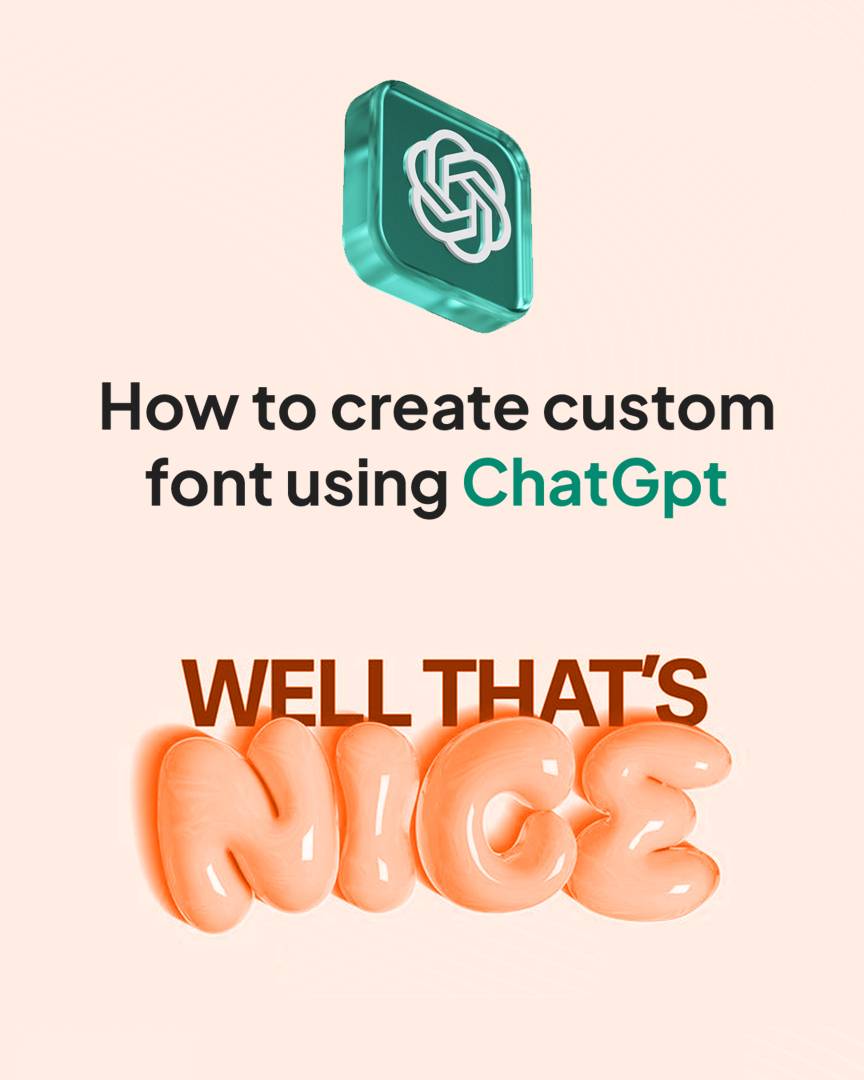
How to create custom font using ChatGPT
Posted Jun 6, 2025Photo post · 8 slidesby @writebetterprompts
Views
12.8K
Likes
94
Comments
0
Shares
13
Engagement
0.8%
of views
28.8xthis account’s usual viewsOutlier
This video12.8KUsual views474
The product
The creator
Why it worked
The post provides a clear, step-by-step tutorial on a creative task (font creation) using a popular AI tool (ChatGPT), appealing to users interested in design and AI tools. The use of a bio link to a related product (Prompt-genie.com) further enhances its promotional effectiveness.
What happens
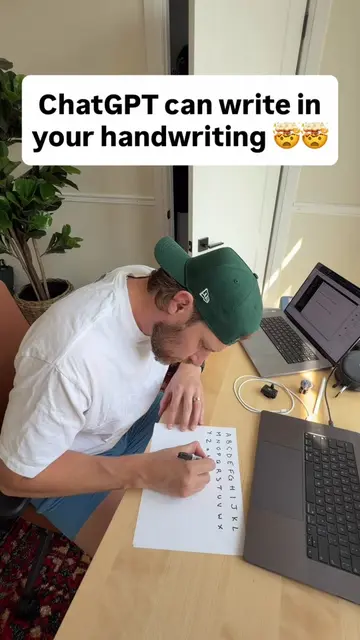
This slideshow explains how to create a custom font using ChatGPT. It guides the viewer through finding a font reference, uploading it to ChatGPT, generating the alphabet, refining variations, and converting the output into a usable font file.
The breakdown
Original caption
Better prompts = Better results Comment "PG" if you want to start creating SUPER prompts 🪄 Like the idea of creating your own font? Step 1: Find a font reference you like, it could be from a logo, poster, or any design. Step 2: Pick a letter from the reference. Upload that image into ChatGPT and ask it to generate the full alphabet in the same style. Step 3: ChatGPT will create a preview of your custom-styled font based on the reference. Step 4: Once you're satisfied, ask ChatGPT to generate multiple variations for better options. Step 5: Save all variations you like. Step 6: Import the images into Illustrator (or any vector software) and trace them to convert into editable text format. Step 7: Convert it into .otf or .ttf extension to use. Bonus Tip: You can also ask ChatGPT to apply your custom font directly to any text or photo for previews!