Loading video…
All breakouts
 ChatGPTseen in 540 videos →
3.4Talking Head
Hook
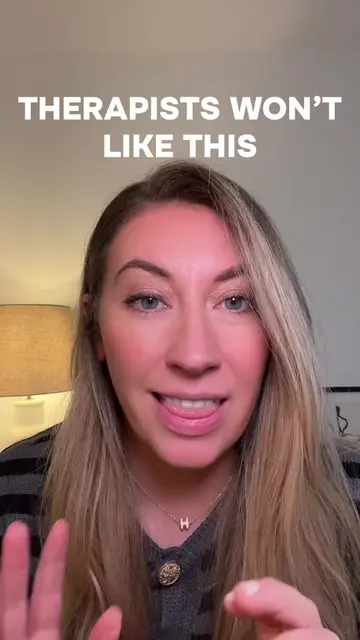
This is how you are going to stop
@espressoai
3.8K followers · usually 3.2K views a post
Views
10.8K
Likes
236
Comments
15
Shares
55
Selling · SaaS › AI Tool
Why it worked
The video addresses a common pain point for ChatGPT users – its robotic tone – and offers a practical, step-by-step solution. By showing the exact settings and providing example prompts, it delivers clear, actionable value, making it highly shareable.
Summary
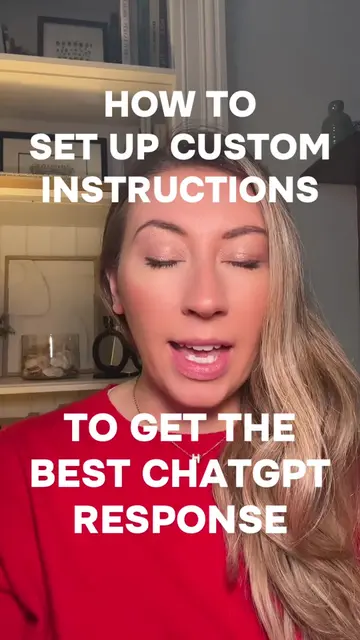
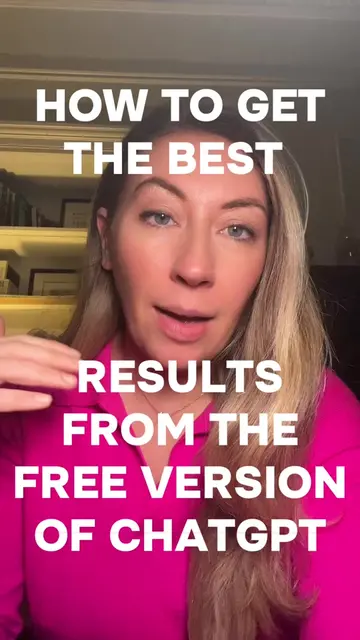
This video explains how to customize ChatGPT's instructions to make its responses sound more human and less robotic. It guides viewers through the personalization settings, showing how to input specific traits and instructions to achieve a desired tone and style.
Structure
- 1Introduce the problem of ChatGPT sounding robotic
- 2Explain the solution: custom instructions
- 3Navigate to ChatGPT settings
- 4Demonstrate personalization options (name, role, traits)
- 5Provide example prompts for human-like writing
- 6Save settings and conclude
Product placement
ChatGPT (ACTS - AI chatbot interface, generates text responses, used to create content. Removing it would change the video's purpose. It is the subject of the tutorial.)
Original caption
Here’s how to step by step set up custom instructions to humanize your AI and stop ChatGPT from sounding like a robot. Add this to your custom instructions: Write like a human, not a robot. Avoid em dashes entirely. Use everyday language that feels friendly and clear. Vary sentence length to sound more natural. Use active voice. Break long ideas into short paragraphs. Add structure using headers and bullet points where helpful. Prioritise clarity and flow over formal tone. #chatgpt #ai #aiforbusiness #chatgptforbusiness #productivitytips
More from @espressoai
Their other posts in the index, biggest breakout first.