Loading video…
Sound

original sound - espressoai
Espresso AI · Original audio
0:00–:––
Playing this video’s own audio, so you’ll hear the creator over the sound.
The video provides a clear, step-by-step tutorial on a valuable feature within a popular AI tool, addressing a common user need for more personalized and consistent AI responses.
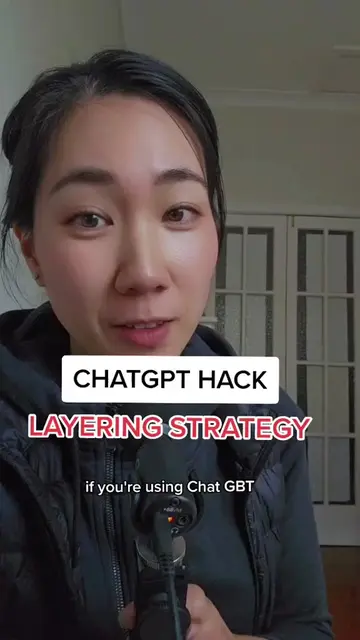
This video explains how to set up custom instructions in the paid version of ChatGPT to improve response quality and consistency. It guides viewers through navigating to the personalization settings and filling out the two boxes for information about the user and desired response style.
Replying to @lifestuffwisooz here’s a quick run through of how to set up custom instructions on the paid for version of chatgpt to get the best responses. Once you have these enabled chatgpt will use them in all future interactions. #ai #chatgpt #chatgptforcreators #aitools #aiforwomen
HOW TO SET UP CUSTOM INSTRUCTIONS
Introduction to custom instructions for better ChatGPT responses
Navigating to the personalization settings on mobile and desktop
Filling out the first box: information about the user
Filling out the second box: instructions on response style and tone
Enabling custom instructions for new chats
ChatGPT (AI chatbot): acts - generates text responses, is operated by the user. Removing it would change the video. ChatGPT Plus (paid version of ChatGPT): appears - mentioned as the version being used. Removing it would not change the video.
Follow for more
Playing this video’s own audio, so you’ll hear the creator over the sound.
Promotes 1 product. Create free account to see more.
Outliers and viral hits: their videos on Overshot, all time.
ChatGPT helps you get answers, find inspiration, and be more productive.
Views and creators: posted in the last 30 days (English videos). Videos: all time.