Loading video…
All breakouts 13 videos4 creators
277Text-HeavyHow-To hookCreator Economy
Hook
Tutorial
@partner.digitalmu
2.1K followers · usually 294 views a post
Views
80.4K
Likes
1.4K
Comments
173
Shares
174
Promoted product
Lynk.id
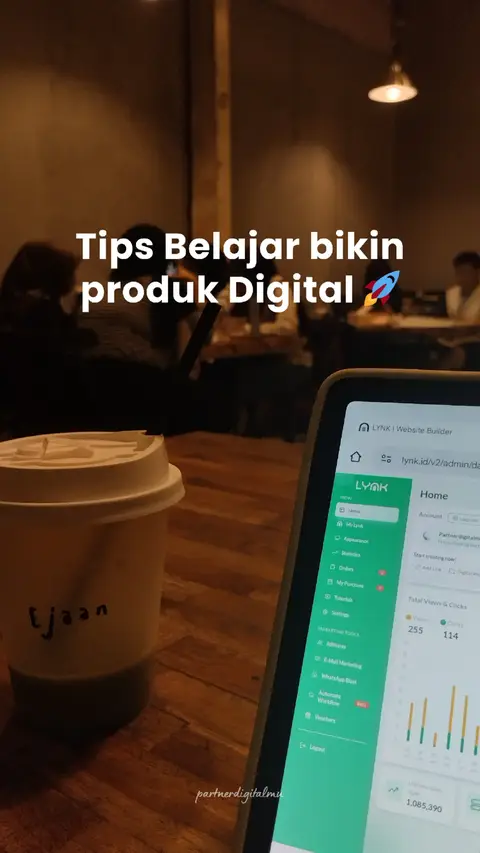
Lynk.id is a platform used for creating, hosting, and selling digital products like worksheets and ebooks.
Why it worked
The post provides a clear, step-by-step visual tutorial on how to use the Lynk.id platform for affiliate marketing, addressing a common need for creators looking to monetize without having their own products.
Summary
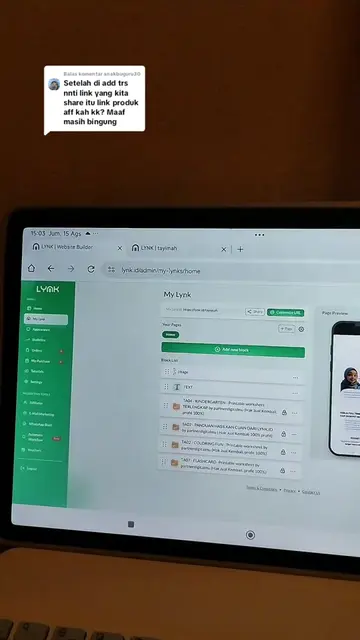
This tutorial demonstrates how to become an affiliate for digital products on the Lynk.id platform. It guides users through the process of adding affiliate products to their Lynk.id page to earn commissions.
Structure
- 1Introduction to Lynk.id affiliate tutorial
- 2Navigate to 'My Lynk'
- 3Select 'Add New Block' and then 'Monetization'
- 4Choose 'Affiliate Products' and search for products
Original caption
✨Buat kamu yg masih belum punya produk bisa Affiliate-in Products digital orang lain nih aku kasih tau step by stepnya 🔥 📌 Follow dan save buat referensi kamu nanti #produkdigital #canvasador #affiliatemarketing #affiliateproduk #lynk
More from @partner.digitalmu
More breakout videos from this creator.