Loading video…
All videos

Hook
Tips Belajar bikin produk Digital 🚀
Posted Aug 25, 2025Photo post · 6 slidesby @partner.digitalmu
Views
470.5K
Likes
27.0K
Comments
552
Shares
2.0K
Engagement
6.3%
of views
1,623xthis account’s usual viewsOutlier · Viral hit (100K+ views)
This video470.5KUsual views294
The product
The creator
Why it worked
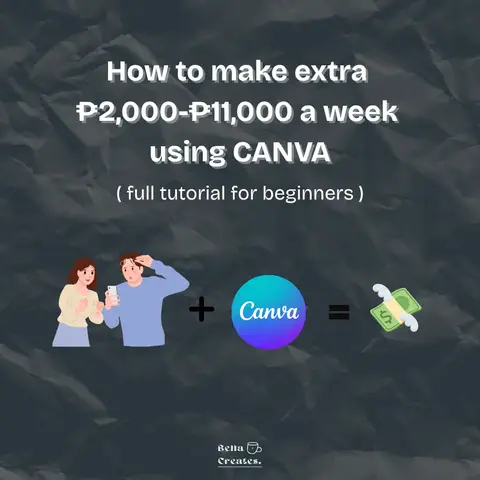
The post provides a clear, actionable tutorial for a popular and accessible tool (Canva) to create digital products, appealing to beginners looking for a side hustle or creative outlet.
What happens
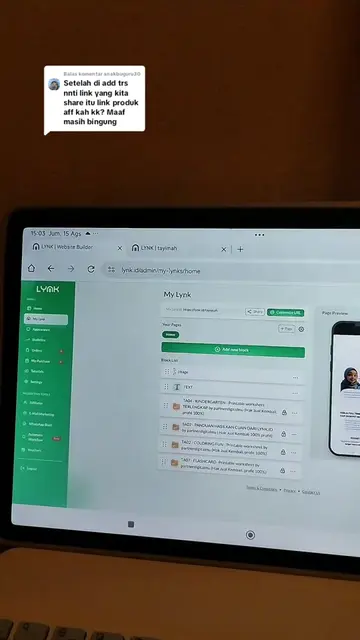
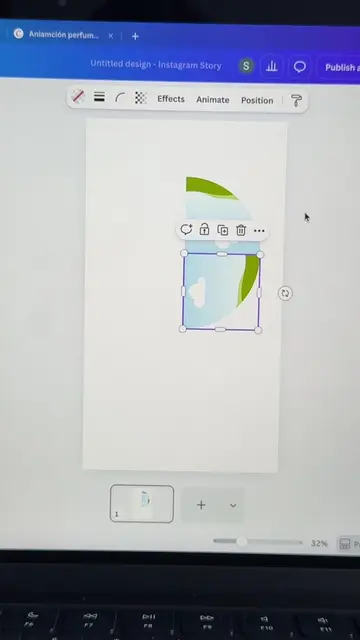
This slideshow provides a step-by-step guide for beginners on how to create digital products using Canva. It covers opening Canva, selecting a template size, finding keywords, modifying the design, and saving the final product for sale.
The breakdown
Original caption
Tips bikin produk digital buat pemula menggunakan canva #canva #produkdigital #digitalproduct