Loading video…
All breakouts
1.4KApp DemoContrarian hookAI Tools
Hook
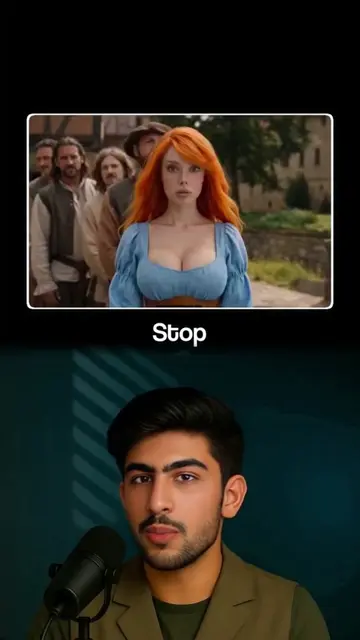
Let's be real, most free AI video tools are not really free.
@thebusinesswolf1
5.3K followers · usually 844 views a post
Views
1.1M
Likes
47.0K
Comments
1.7K
Shares
3.6K
Promoted product
Google AI Studiohttps://aistudio.google.com/ ↗
Why it worked
The video addresses a common pain point (hidden costs in AI tools) and provides a specific, actionable workaround that feels like a 'hack' for free, unlimited access.
Summary
The creator demonstrates how to use Google AI Studio and Google Whisk AI to generate free, unlimited AI videos and images without watermarks. He provides a step-by-step tutorial on navigating the platforms and using prompts to create content.
Structure
- 1Identify the problem of paywalled AI tools
- 2Introduce Google AI Studio as a free alternative
- 3Demonstrate prompt input and video generation in AI Studio
- 4Explain how to bypass daily limits with multiple emails
- 5Introduce Google Whisk AI for image generation
Product placement
Google AI Studio and Google Whisk AI are the primary subjects of the tutorial.
Call to action
Subscribe to the channel, like this video, write helpful in the comments.
Original caption
Free Ai Video Generator Without Watermark - Free Image To Video - Free Text To Video. 🚀 Looking for the best Free AI Video Generator Without Watermark? You’re in the right place! In this video, I’ll show you how to create stunning videos using AI – absolutely free. Whether you want to turn images into videos (Free Image to Video) or transform text into videos (Free Text to Video), this tool will help you do it quickly, easily, and without watermarks. #FreeAIVideoGenerator #AIVideoMaker #FreeImageToVideo #FreeTextToVideo #AIVideoGeneratorWithoutWatermark
More from @thebusinesswolf1
More breakout videos from this creator.