Loading video…
All videos
Views
21.3K
Likes
397
Comments
4
Shares
26
Engagement
2.0%
of views
23.4xthis account’s usual viewsOutlier
This video21.3KUsual views927
The product
The creator
Why it worked
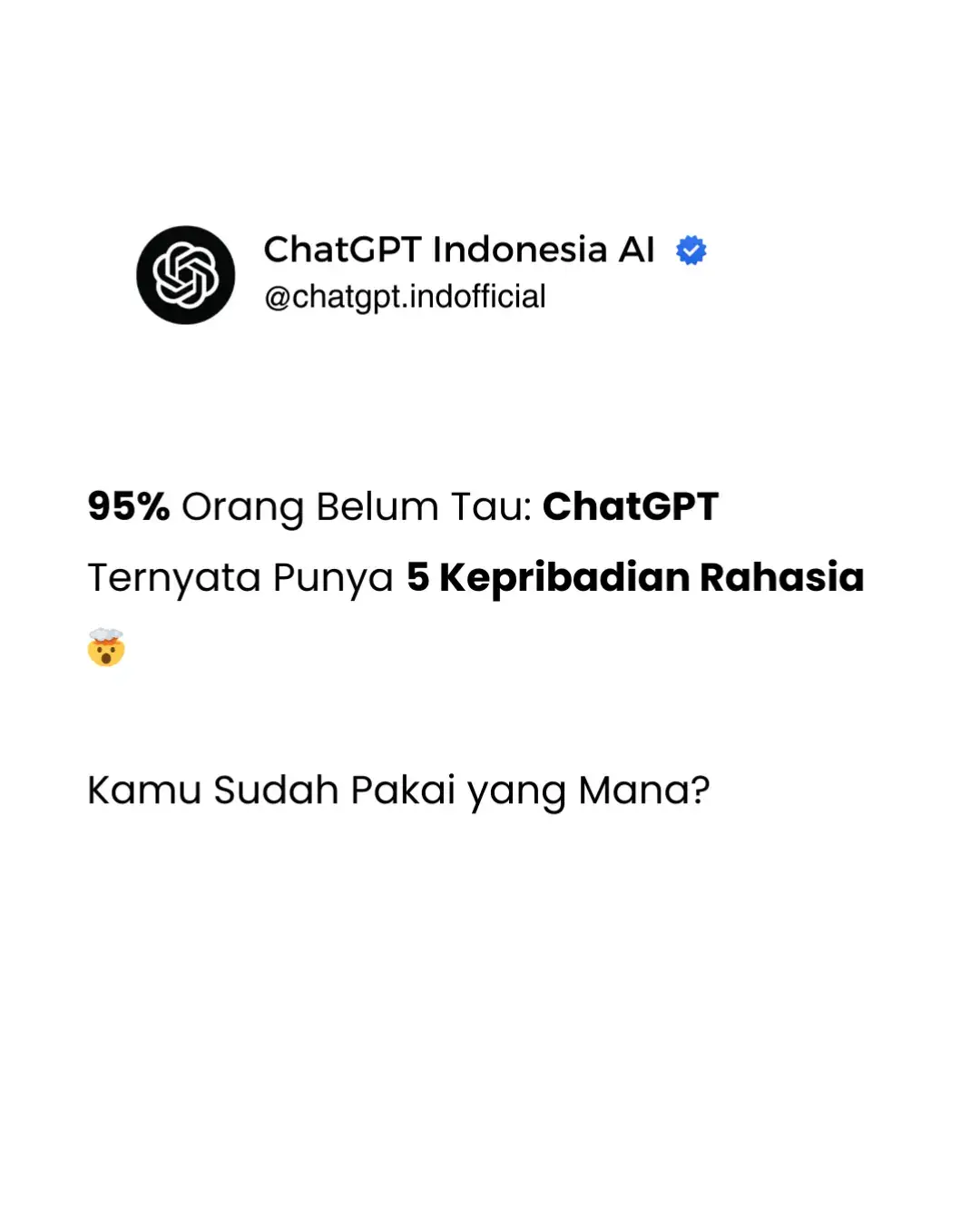
The post provides valuable, actionable information on how to enhance the user experience with ChatGPT by customizing its personality. The step-by-step guide and summary table make complex features easy to understand and implement, appealing to users looking to get more out of the AI tool.
What happens
This post explains how to customize ChatGPT's personality to get more personalized responses. It details the steps to access and set custom instructions, offering different personality options like Default, Cynic, Robot, Listener, and Nerd, along with their corresponding response styles and use cases.
The breakdown
Original caption
Selama ini kamu pakai ChatGPT cuma versi Default doang? 😅 Padahal ada 4 personality lain yang bisa bikin hasil chat kamu lebih keren & sesuai gaya kamu. Swipe sampe habis biar tau cara aktifinnya 👉 #ChatGPTIndonesia #AIPreneur #LetAIWorks #ChatGPTTips #AIForEveryone