Loading video…
All breakouts
 227 videos126 creators
435App DemoHow-To hookB2B
Hook
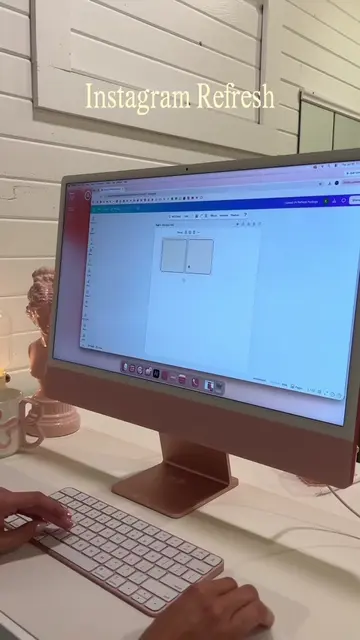
Here's how to do the glass effect on Canva.
@rebrandedbykaitlynn
38.8K followers · usually 3.8K views a post
Views
1.4M
Likes
122.1K
Comments
198
Shares
5.8K
Promoted product
Canvacanva.com
Why it worked
The video provides high-value, actionable educational content that solves a specific design problem, making the product promotion feel helpful rather than intrusive.
Summary
The creator provides a step-by-step tutorial on how to create a 'glass effect' graphic design using the Canva platform. The video demonstrates specific tools and settings within the app to achieve the aesthetic.
Structure
- 1Introduction to the glass effect
- 2Method 1: Manual alignment
- 3Method 2: Using a square element for precision
- 4Applying blur and rounding corners
- 5
Original caption
glass effect tutorial in @Canva ✨🪞🪩 #canvatutorial #canvadesign #designturial #graphicdesigntutorial
More from @rebrandedbykaitlynn
More breakout videos from this creator.