Loading video…
Sound

Vogue (I Want Your Love)
Donna Queen
0:00–:––
- Videos using it
- 21
- Creators
- 17
- Views on those videos
- 5.1M
The video provides a clear, step-by-step tutorial for a popular customization trend (Memoji wallpapers on iPhones) using a readily available app, making it highly shareable and useful for a broad audience.
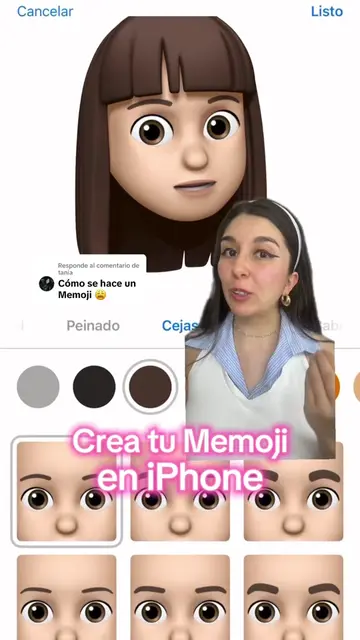
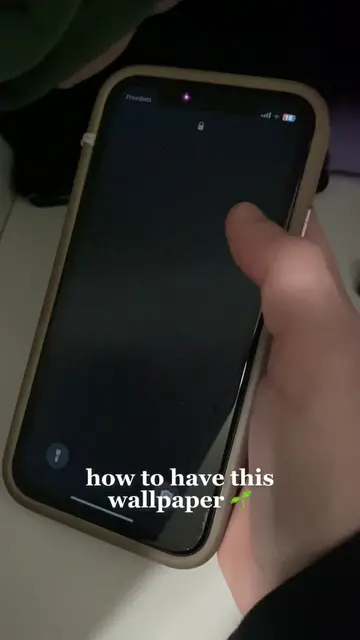
This video demonstrates how to create an iPhone Memoji-style wallpaper using the Widgy Widgets app. It guides viewers through the process of creating a custom Memoji based on a photo, then importing it into Widgy using a QR code and screenshot method.
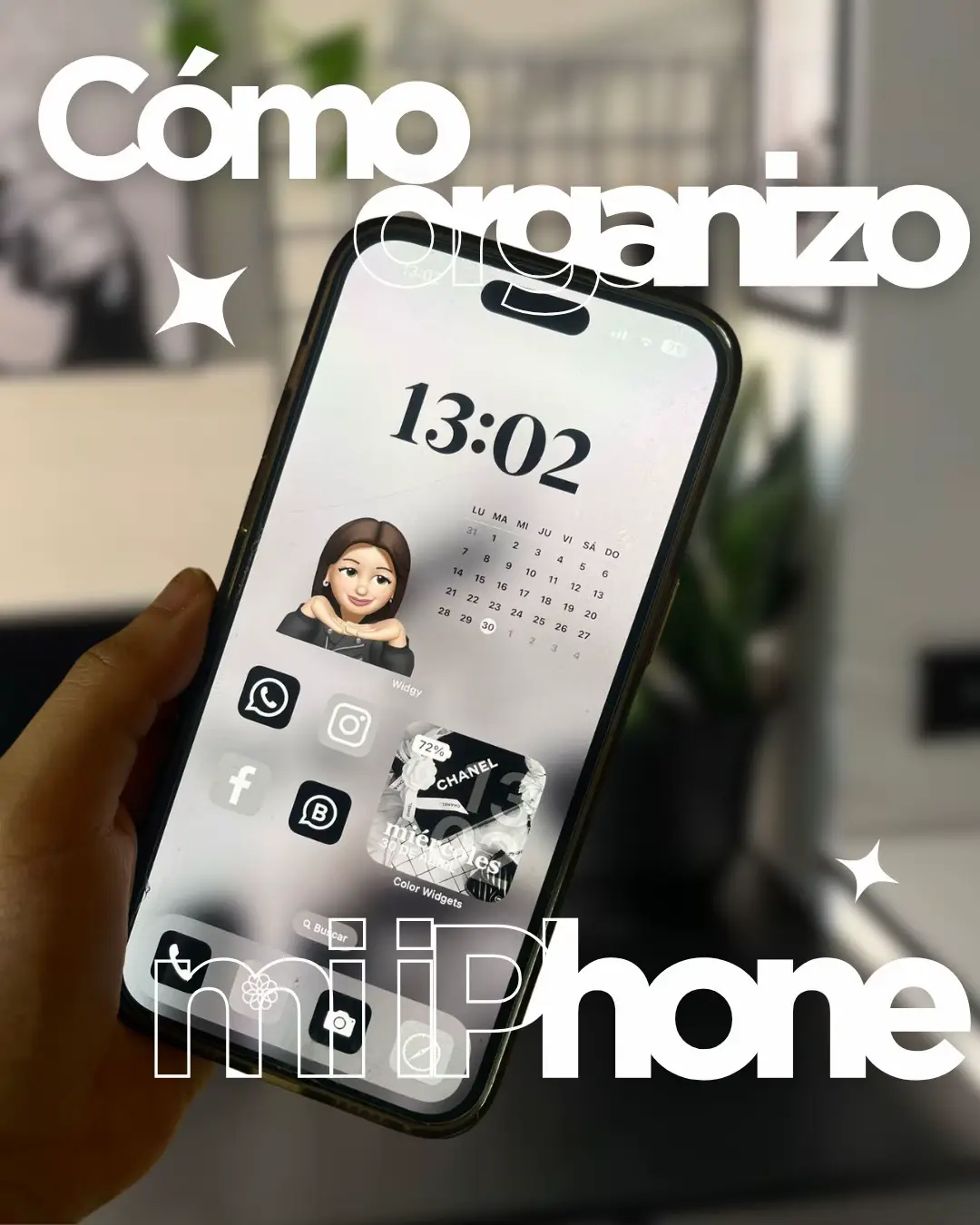
Me lo estuvieron pidiendo mucho en los últimos videos. 🫶🏻 Así pones tu propio emoji en la pantalla principal de tu iPhone, tutorial paso a paso. 📲 #fondodepantalla #iPhone #emojis #iphonetips #wallpapers
Tu foto de fondo de pantalla como un MEMOJI
Introduction to creating a Memoji wallpaper
Using Widgy Widgets app for import
Importing via QR code and screenshot
Applying the custom Memoji wallpaper
Directing viewers to more tutorials
The video prominently features and explains how to use the 'Widgy Widgets' app to create custom iPhone wallpapers, specifically focusing on importing a Memoji-style image via a QR code.
Vete a mi perfil en donde dice iPhone Widgets.
Promotes 8 products. Create free account to see more.
Outliers and viral hits: their videos on Overshot, all time.
IPhone app for creating and customizing home screen, lock screen, and watch widgets
All time.