Loading video…
All breakouts
21.6Talking HeadHow-To hookAI Tools
Hook
Easily give Claude eyes and hands on your app
@zerotopete
16.2K followers · usually 3.6K views a post
Views
75.7K
Likes
4.2K
Comments
105
Shares
484
Why it worked
The video provides immediate, high-value technical utility to a specific niche (developers) while using a 'problem-solution' framework that builds authority and trust before the soft CTA.
Summary
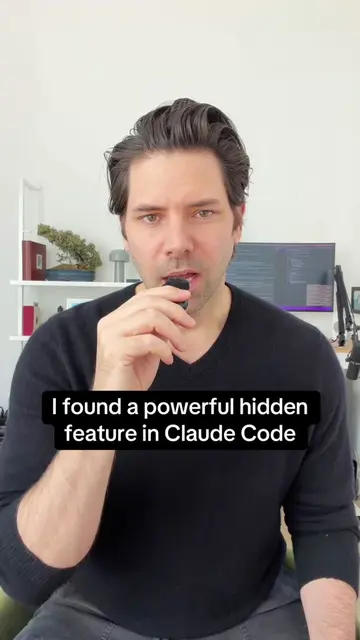
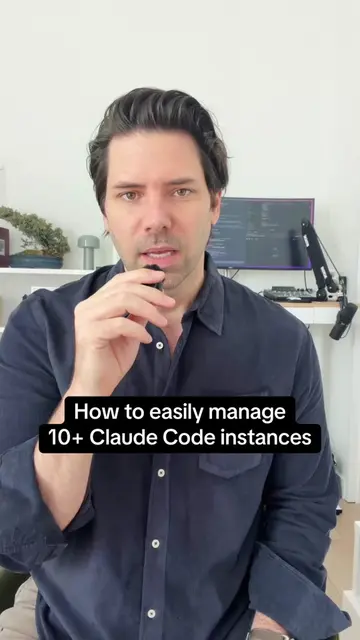
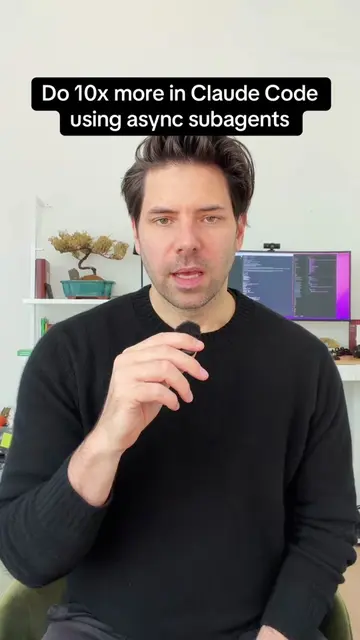
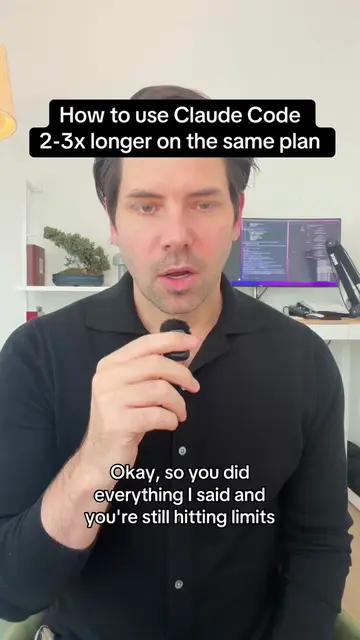
The creator demonstrates a workflow improvement for developers using Claude Code by connecting it directly to the iOS simulator via an MCP server. He explains how this eliminates the need for manual screenshots and directs viewers to his Substack for the full technical walkthrough.
Structure
- 1Identify the pain point of manual screenshotting
- 2Introduce the solution of wiring Claude to the simulator
- 3Explain the technical mechanism using MCP and IDB
Original caption
Substack article dropping at 9pm EST. Subscribe (for free) to get notified when it drops #anthropic #claude #ai #claudecode #entrepreneur
More from @zerotopete
More breakout videos from this creator.