Loading video…
All breakouts
23.9Talking HeadOther hookFinance
Hook
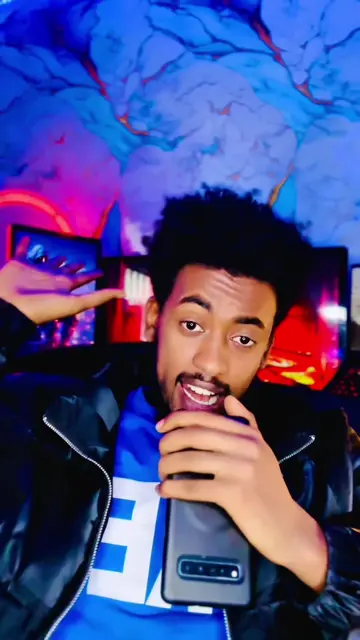
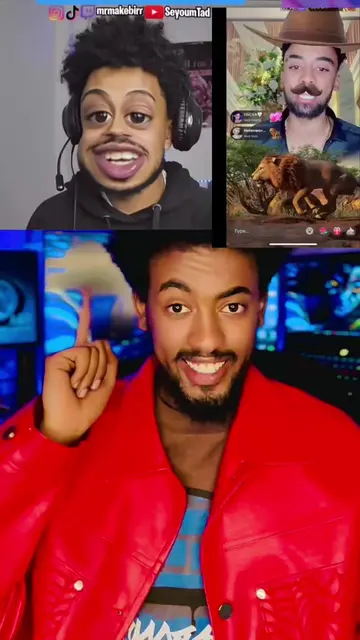
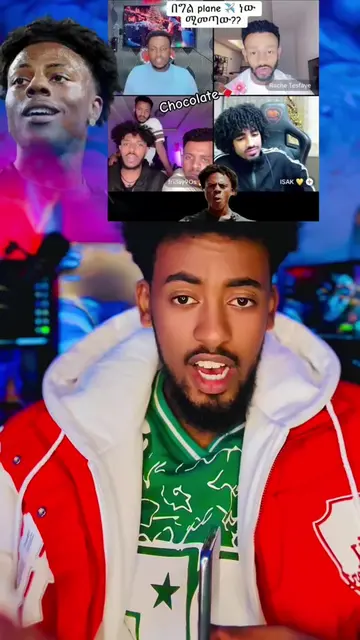
ሀሳብን በድራፍት ውስጥ ማስቀመጥ
@israel_tube
600.1K followers · usually 72.9K views a post
Views
1.6M
Likes
39.5K
Comments
551
Shares
19.8K
Why it worked
The video addresses a common, high-anxiety pain point for TikTok users (losing content) with a simple, actionable technical solution.
Summary
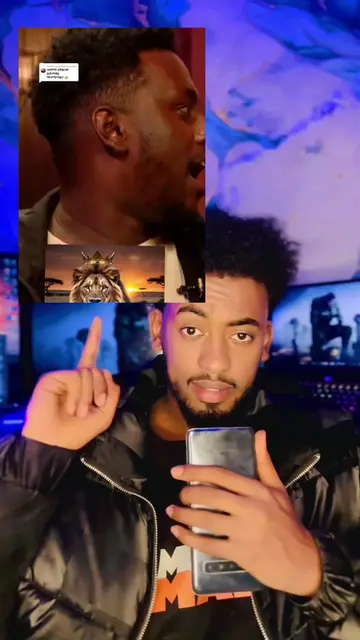
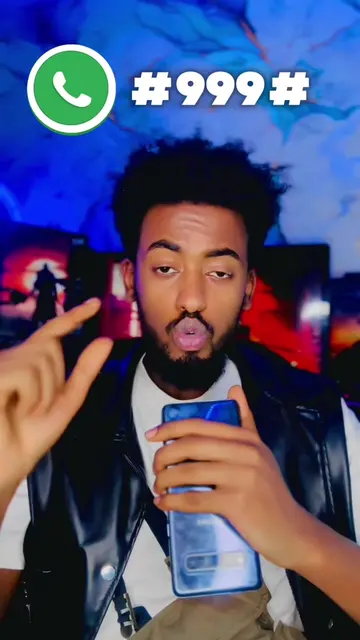
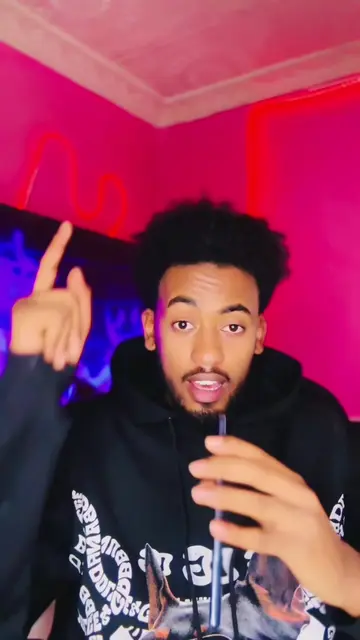
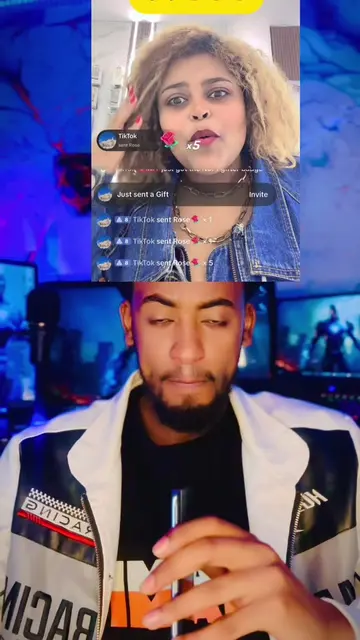
The creator explains how to prevent TikTok drafts from being deleted when uninstalling the app or clearing data. He guides the viewer through the settings menu to disable specific notification settings.
Structure
- 1Identify the problem of losing TikTok drafts
- 2Navigate to Settings and Privacy
- 3Access the Notifications menu
- 4Disable the customized updates setting
- 5Call to action to share the video
Call to action
ይህንን ቪዲዮ ለሁሉም ሰው ሼር አድርጉ
On-screen text
ሀሳብን በድራፍት ውስጥ ማስቀመጥ
3 drafts - 62.7MB
Only you can see your drafts. Uninstalling TikTok will discard all drafts.
Transcript
ሀሳብን በድራፍት ውስጥ ማስቀመጥ በጣም አሪፍ ነው ነገር ግን አንዳንድ ጊዜ ድራፍታችንን ስንሰርዝ ወይም ደግሞ አፕሊኬሽኑን ስናጠፋ ድራፍታችን አብሮ ይጠፋል ስለዚህ ድራፍታችሁን ከጥፋት ለመታደግ እንዴት ይህንን ነገር ማቆም እንደምትችሉ አሳያችኋለሁ መጀመሪያ ሴቲንግ ኤንድ ፕራይቬሲ ውስጥ ትገባላችሁ ከገባችሁ በኋላ ኖቲፊኬሽን የሚል አለ ኖቲፊኬሽን ውስጥ ከገባችሁ በኋላ በጣም ወርዳችሁ ከስተማይዝድ ኤንድ ሞር ላይ የሚለውን ኦን ከነበረ ኦፍ በማድረግ ማጥፋት ትችላላችሁ ተጠቀሙ ይህንን ቪዲዮ ለሁሉም ሰው ሼር አድርጉ ይመቻችሁ
Original caption
TikTok Draft video public #tiktokdraft #ethiopian_tik_tok #ethiopia #tiktokupdate
More from @israel_tube
More breakout videos from this creator.