Loading video…
All breakouts
24.7Talking HeadListicle hookAI Tools
Hook
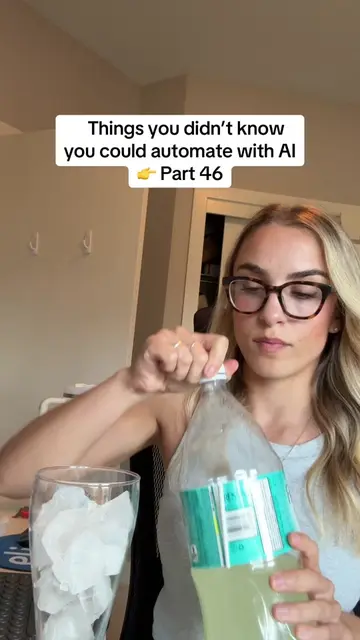
Things you didn't know you could automate with AI. Part 42!
@trystring
44.0K followers · usually 5.2K views a post
Views
124.5K
Likes
4.0K
Comments
24
Shares
610
Why it worked
The video provides immediate, tangible value by solving a common productivity pain point (tracking Slack tasks) using a specific, easy-to-understand AI tool.
Summary
The creator demonstrates how to use an AI tool called String to automate adding Slack tasks to a Notion board. She shows the process of inputting a prompt, approving the plan, and the resulting automation.
Structure
- 1Hook introducing AI automation
- 2Navigating to String.com
- 3Inputting a prompt for automation
- 4Approving the generated plan
- 5
Original caption
Thank me later 🤝 #ai #aiautomation #aiagent #chatgptprompts #slack
More from @trystring
More breakout videos from this creator.