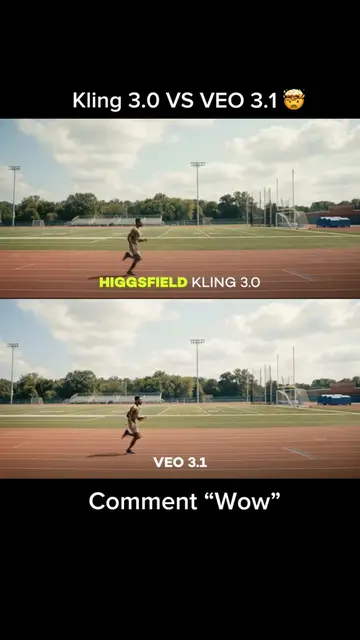
Loading video…
Sound

original sound - vaibhavv.ai
Vaibhav Ai tools and websites · Original audio
0:00–:––
Playing this video’s own audio, so you’ll hear the creator over the sound.
Hook
Posted Jan 17, 2026Video · 0:34by @vaibhavv.ai
The video uses a high-impact 'before and after' visual hook that immediately demonstrates the product's capability, followed by a clear, concise tutorial that makes the complex AI process feel accessible.
The creator demonstrates how to use the Kling Motion Control feature within the Higgsfield AI platform to animate a character using a reference video. They then provide a call to action for viewers to comment 'AI' to receive a discount offer.
Kling AI new Motion control is wild! You can swap any motion into any character with accuracy🤯 How to use Kling Motion Control on Higgsfield: 1. Open Higgsfield Al and navigate to the Video tab. 2. Select Kling Motion Control. 3. Upload your Reference Video (the movement you want to copy). 4. Upload your Character Image (the person/creature you want to move). 5. Enter your prompt and hit Generate. #aivideo #klingai #aianimation #aivideos #higgsfieldai Try kling motion control inside @Higgsfield AI unlimited plan🔥
Hey, it's Friday 60th Jan, and I know what you're thinking.
Creator introduces the AI-generated video
Explains the Kling Motion Control tool
Walks through the step-by-step process on Higgsfield
Shows the final generated result
Provides a promotional offer and CTA
Higgsfield AI is the primary platform being demonstrated for its Kling Motion Control feature.
Comment AI
Playing this video’s own audio, so you’ll hear the creator over the sound.
AI creative suite for generating and editing images, videos, and voice content
Views and creators: posted in the last 30 days (English videos). Videos: all time.
Promotes 2 products. Create free account to see more.
Outliers and viral hits: their videos on Overshot, all time.