Loading video…
Sound

original sound - rileybrown.ai
Riley Brown · Original audio
0:00–:––
Playing this video’s own audio, so you’ll hear the creator over the sound.
The video demonstrates a practical application of an AI tool for video editing, showing a clear workflow and a tangible result. This 'how-to' approach, combined with the novelty of using AI for such a specific task, likely resonated with viewers interested in creative tools and AI advancements.
The creator demonstrates how they use VibeCode, an AI-powered video editing tool, to create an overlay graphic for their video. They show the process of prompting the AI to generate a scene with a progress bar, then exporting and integrating it into their existing video project.
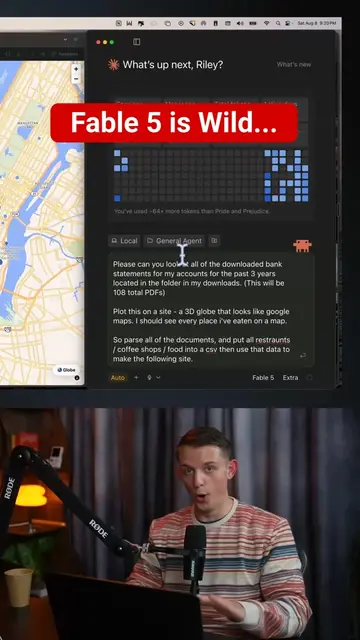
Claude Code is now my video editor. & this is a glimpse into my workflow. Prompt to set this up below: Full Prompt I gave to vibecode.dev (The only web based app builder that uses Claude Code and Claude Skills) PROMPT: --- Please add a Claude Code Skill along with an inteface for video animation. I want you to create an app that very simply allows us to use the ReMotion skill, read more here: npx skills add remotion-dev/remotion And after you create this skill you will then be able to ask you to edit a video in a canvas. So the sole purpose of the app should be a little canvas that you can edit and manipulate and change it so you can make a video. Optimize this for openness and being able to edit each scene in the video after the first generation. Since you are running in a browser on http://vibecode.dev, I want you to use the assets. Users can upload their own assets to the app or generate assets they may want to use them in the video generations. Please search up this new remotion skill this up. Figure out how to configure this app and skill so that it works great and is easy to create high quality animated videos such as launch videos. ultrathink, go. ---
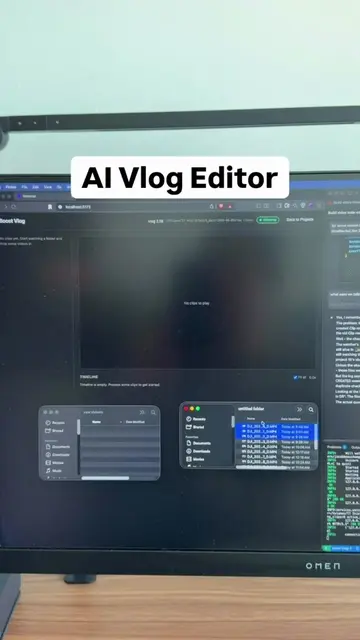
CLAUDE CODE IS NOW MY VIDEO EDITOR
Introducing Claude Code as a video editor
Demonstrating a prompt to create a video scene with a progress bar
Running the prompt and exporting the generated scene
Integrating the generated scene as an overlay in Descript
Showing the final result of the overlay
The video showcases the use of VibeCode, an AI-powered app builder, to generate a video overlay. The creator prompts VibeCode to create a scene with a progress bar, demonstrating its functionality.
Playing this video’s own audio, so you’ll hear the creator over the sound.
AI app builder that lets people who don't code create mobile and web apps
All time.
Promotes 9 products. Create free account to see more.
Outliers and viral hits: their videos on Overshot, all time.