Loading video…
All breakouts
6.0App DemoOther hookConsumer Apps
Hook
Welcome back
@yaqoob_developer
98.3K followers · usually 5.1K views a post
Views
27.1K
Likes
416
Comments
8
Shares
30
Promoted product
Why it worked
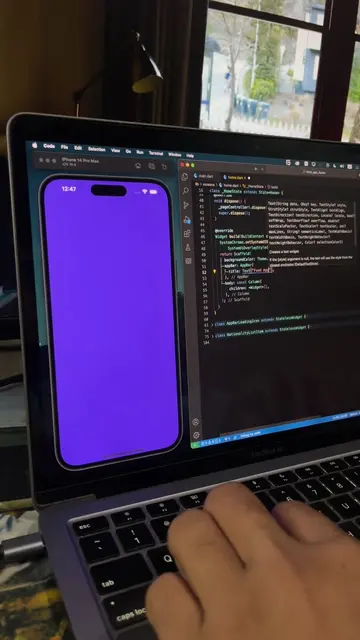
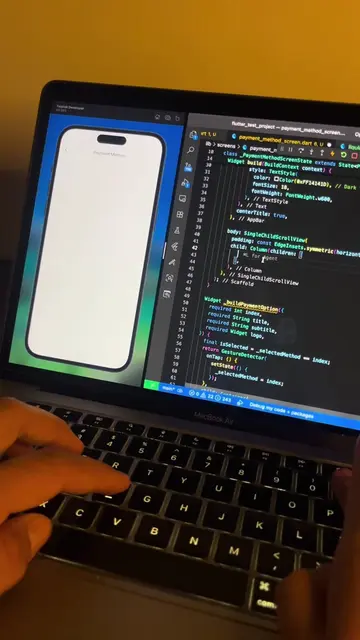
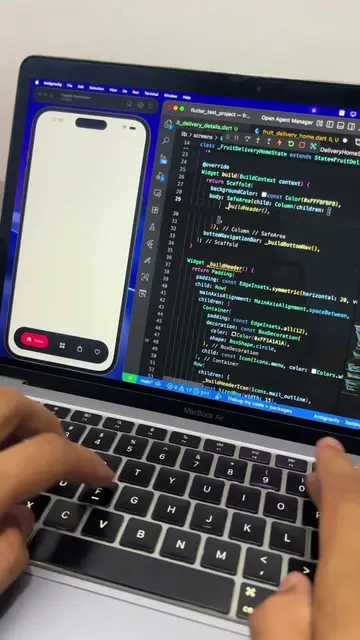
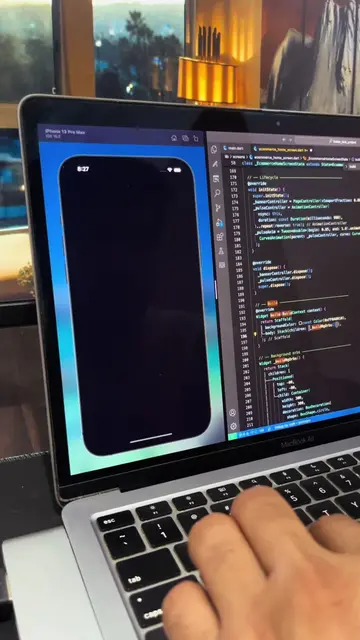
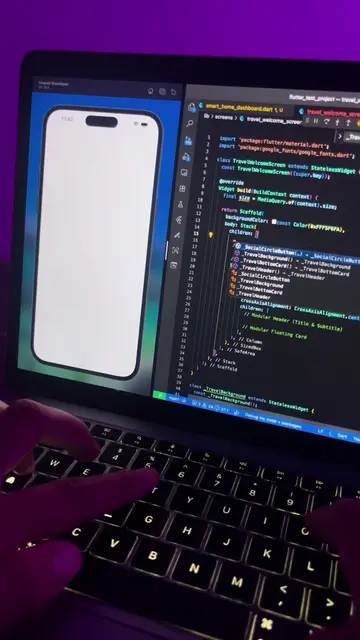
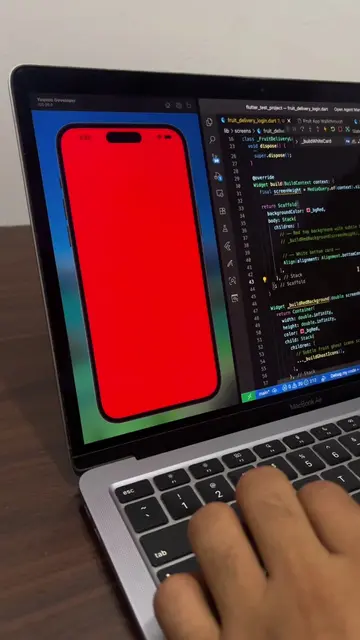
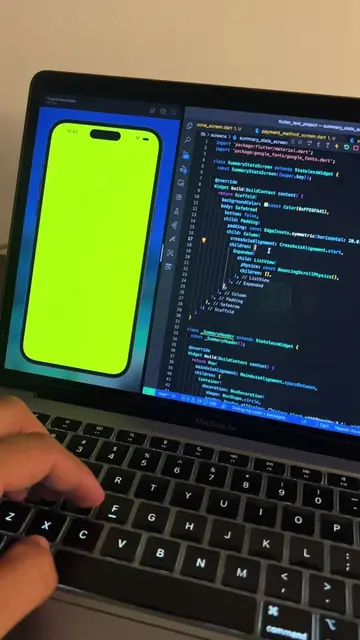
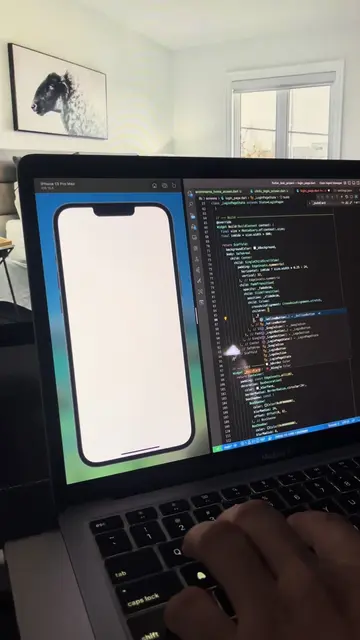
The video demonstrates a functional app screen, appealing to developers and users interested in app development. The clean UI and clear functionality make it easy to understand the purpose of the app.
Summary
This video demonstrates a login screen for a weather app. The user types in an email address and password, then clicks "Continue with email" or "Continue with Google."
Structure
- 1Appears on screen
- 2Welcome message displayed
- 3Email and password fields appear
- 4Login buttons displayed
- 5User types in email
- 6User types in password
Product placement
The video shows a screen recording of a mobile app login screen being developed. The app appears to be a weather app, with a scenic background image. The developer types in an email address and password, and then clicks on "Continue with email" or "Continue with Google."
More from @yaqoob_developer
More breakout videos from this creator.