Loading video…
All breakouts
10.6App DemoOther hookConsumer Apps
Hook
Flutter Developer
@yaqoob_developer
98.3K followers · usually 5.1K views a post
Views
48.0K
Likes
2.1K
Comments
18
Shares
105
Promoted product
Flutter
Why it worked
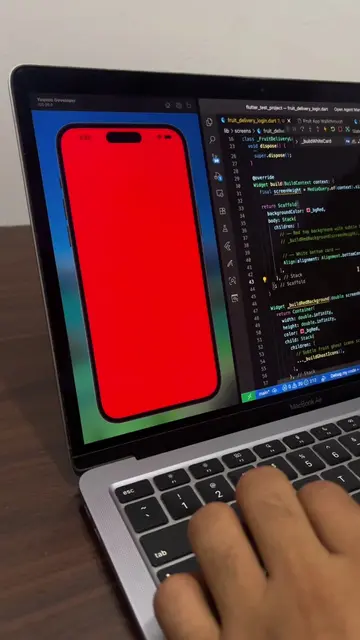
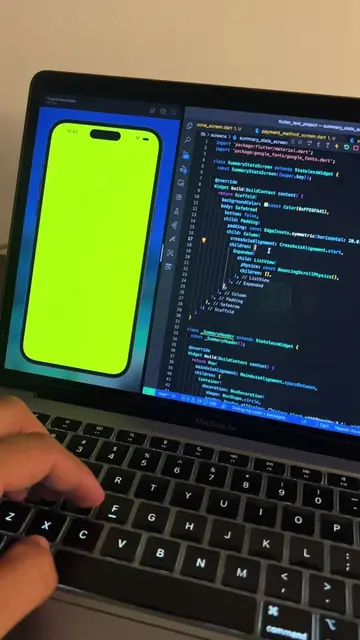
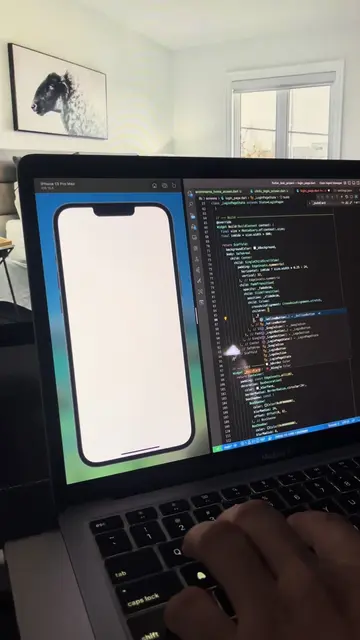
The video leverages the popular "day in the life" or "coding process" format, showcasing the creation of a visually appealing app UI. The use of ASMR-style typing and the clean presentation of code and UI make it engaging for developers and those interested in app development.
Summary
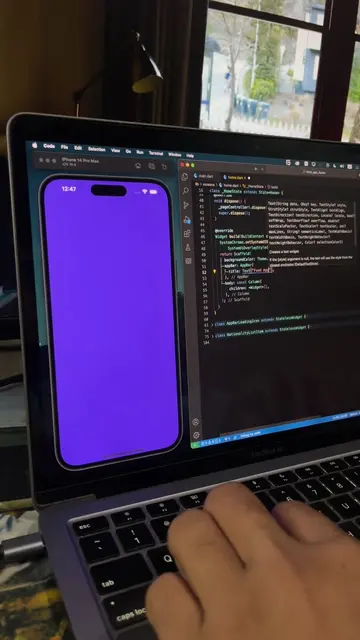
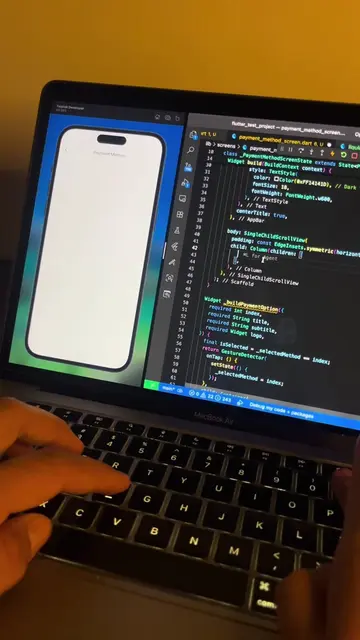
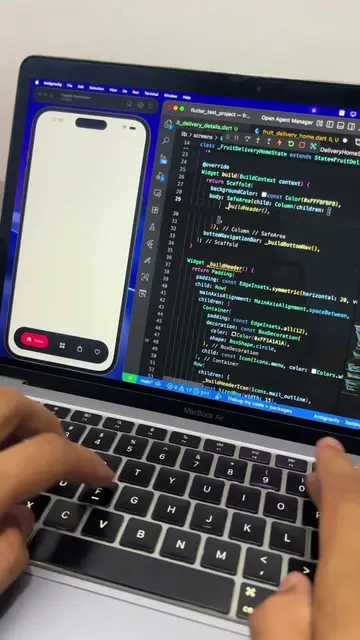
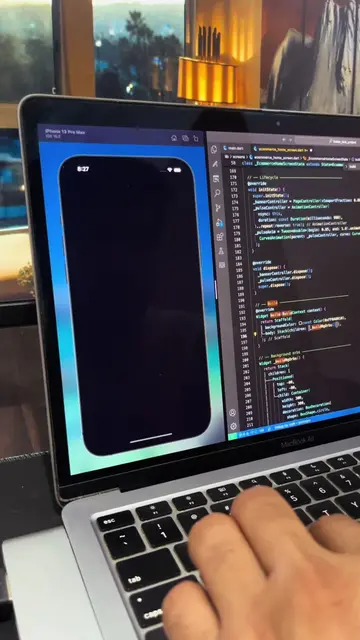
The video shows a developer coding a mobile application interface in VS Code. The screen displays code for a travel app, and the preview shows the app's UI evolving from a blank screen to a welcome screen with a scenic background and then a sign-in page.
Structure
- 1Coding a travel app interface
- 2Previewing the UI development
- 3Adding background image and text
- 4Implementing sign-in and create account forms
- 5Finalizing the UI
Product placement
The video shows code being written in VS Code for a Flutter application. The app's UI is previewed on the left side of the screen, demonstrating the development process of a travel app.
On-screen text
Flutter Developer
smart_home_dashboard.dart
Travel_welcome_screen.dart
Navigate the world
Get the best deals for your next trip
Create new account
Already have an account?
Sign in
Welcome back
Enter your credentials to continue
Email
Password
Forgot Password?
Sign in
Original caption
ASMR Coding in VS Code — Clean UI Build (No Talking) #coding #programming
More from @yaqoob_developer
More breakout videos from this creator.