Loading video…
All breakouts
4.4App DemoOther hookConsumer Apps
Hook
NexaApp
@yaqoob_developer
98.3K followers · usually 5.1K views a post
Views
20.0K
Likes
725
Comments
9
Shares
18
Promoted product
NexaApp
Why it worked
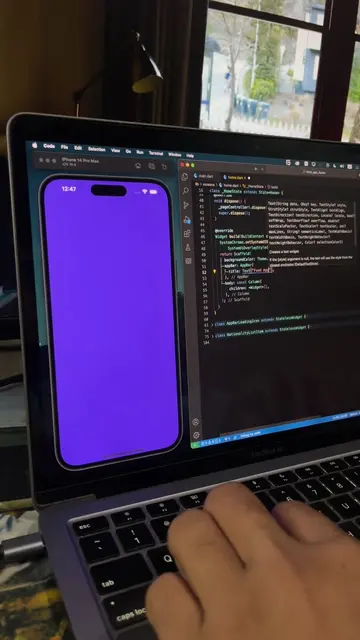
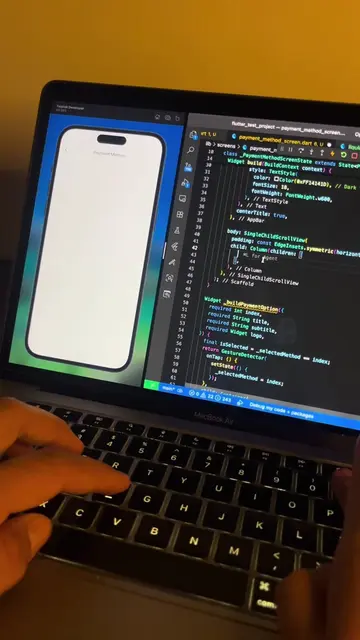
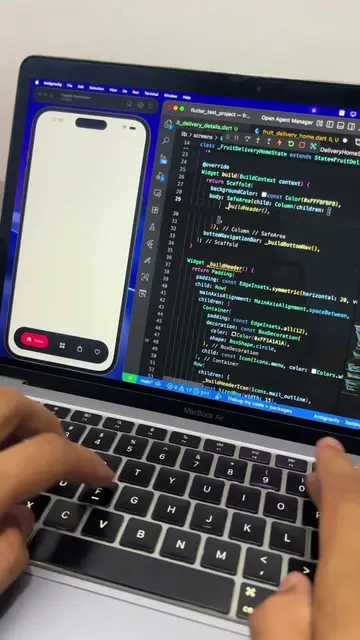
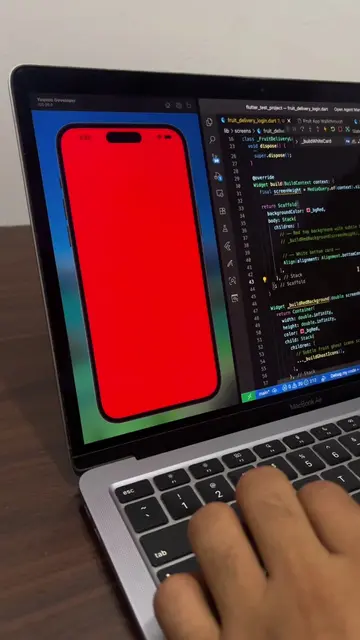
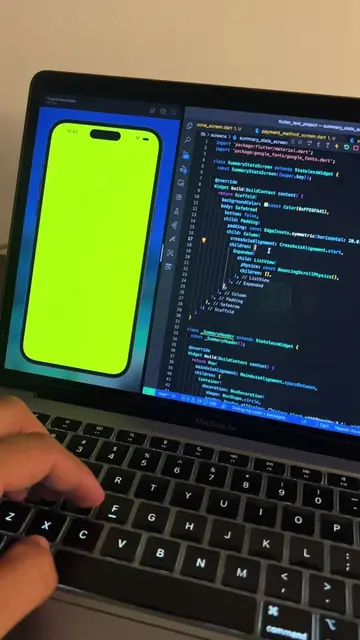
The video showcases a clean and modern UI design for a productivity app, appealing to developers and designers interested in app development trends.
Summary
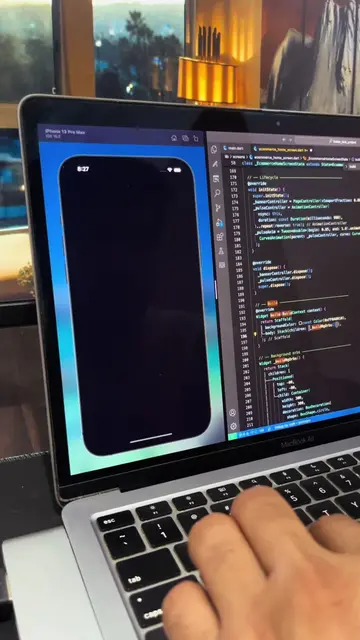
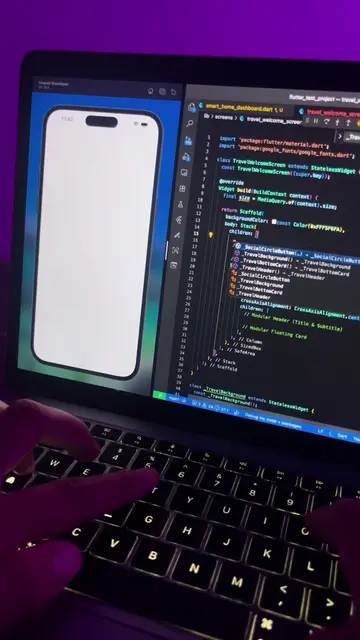
The video shows a demonstration of the NexaApp login screen. A user types in an email address and password, then clicks the sign-in button.
Structure
- 1App logo and name displayed
- 2Welcome message and login prompt
- 3Email address input
- 4Password input
- 5Sign in button interaction
Product placement
NexaApp: ACTS - it is the app being demonstrated, its login screen is operated by the user. Removing it would change what happens in the video.
Original caption
Login Screen UI Design In Flutter #appdevelopment #coding #programming
More from @yaqoob_developer
More breakout videos from this creator.