Loading video…
Sound

original sound - nomadatoast
Jo Mendes · Original audio
0:00–:––
Playing this video’s own audio, so you’ll hear the creator over the sound.
The video effectively demonstrates a practical application of AI for content creation, offering a solution to a common problem (achieving studio-quality lighting) in a visually engaging and step-by-step manner. The use of AI tools to enhance video production and create professional thumbnails appeals to creators looking to improve their content efficiently.
This video demonstrates how to use AI tools like Nano Banana Pro and Lovart AI to recreate studio lighting for videos and generate professional-looking thumbnails. It outlines a four-step process involving reference images, AI prompts, and editing tools to achieve studio-quality results.
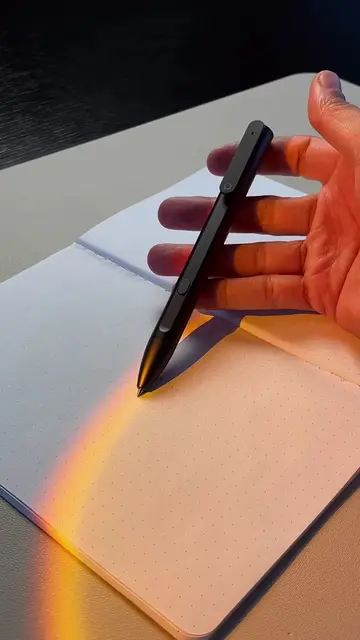
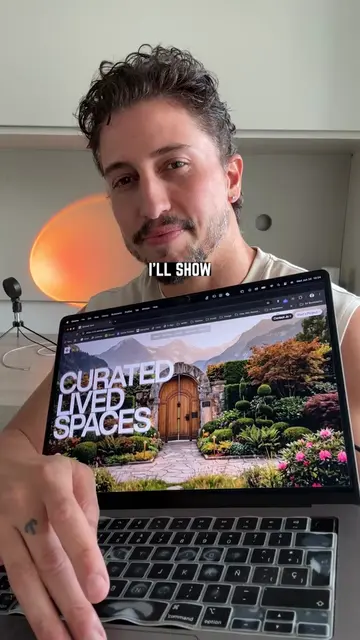
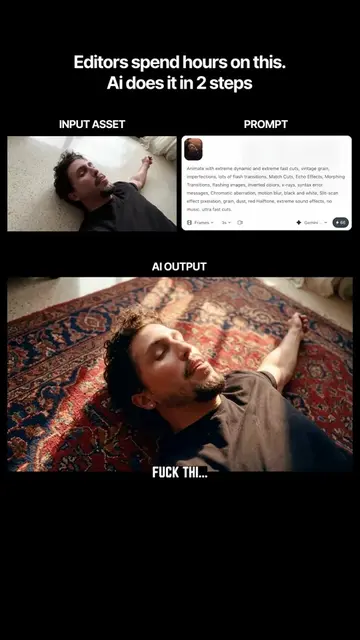
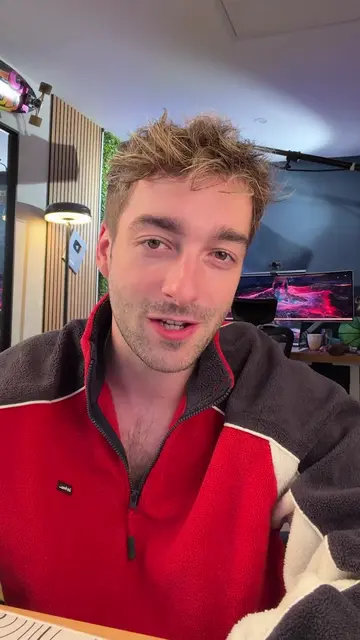
Why buy more gear when AI can recreate studio lighting for you? In this workflow I use Nano Banana Pro to replicate pro lighting setups, paint new elements into my frame, then animate everything with Kling Motion Control. I generate thumbnails and extract fully editable text layers inside @lovart.ai From lighting maquette to motion-driven visuals and IG-ready thumbnails. #aitools #lovart #LovartAI #contentcreation #klingai
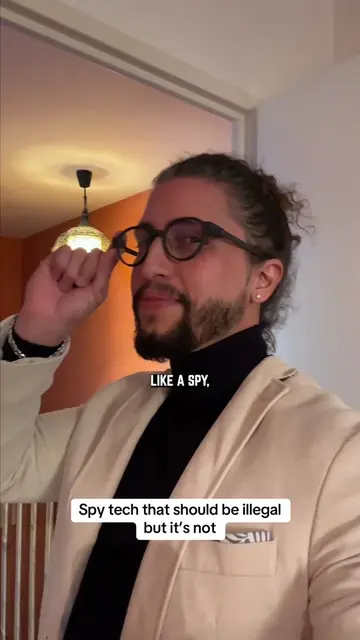
AI steals the lighting for your video
Demonstrate AI stealing video lighting
Show the four-step process with AI for studio lighting
Explain generating and extracting text layers
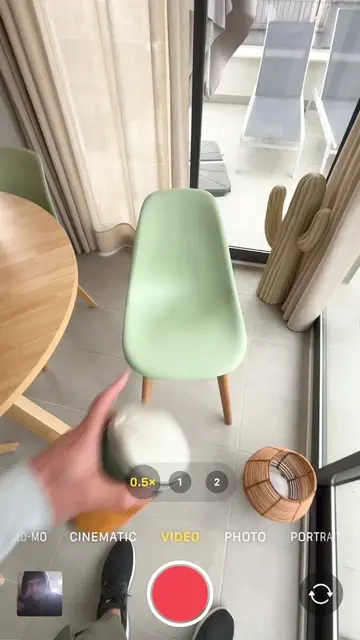
Illustrate drawing elements and using motion control
Show thumbnail generation and editing
The video showcases the use of Lovart AI for relighting videos and generating thumbnails, Nano Banana Pro for replicating lighting setups, and Kling Motion Control for animating visuals.
Playing this video’s own audio, so you’ll hear the creator over the sound.
Promotes 12 products. Create free account to see more.
Outliers and viral hits: their videos on Overshot, all time.
AI design agent for creators making brand identities and marketing assets
All time.