Loading video…
All breakouts

3.4Talking HeadCreator Economy
Hook
THIS is How you
@thesocialcreativesclub
262.9K followers · usually 3.7K views a post
Views
13.1K
Likes
534
Comments
48
Shares
66
Why it worked
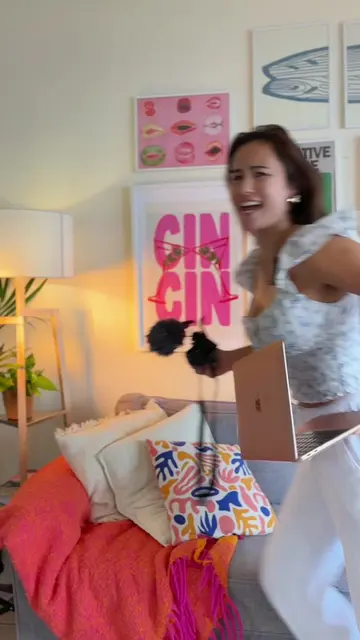
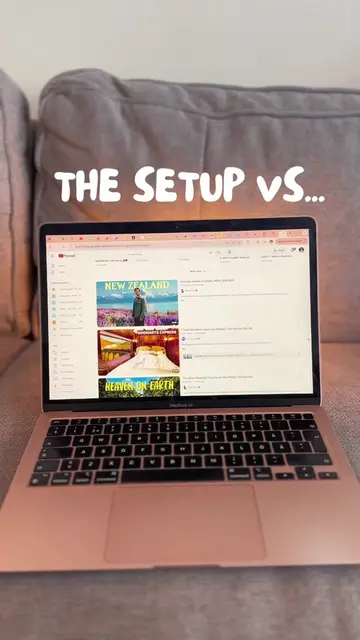
The video provides a practical and visually demonstrated solution to a common creator problem (changing video lighting) using an AI tool. The clear, step-by-step instructions and the offer to share prompts incentivize engagement and sharing.
Summary
This video demonstrates how to change the lighting in a video clip using Higgsfield.ai. The process involves taking a screenshot of a frame, uploading it to Higgsfield.ai, selecting a model, and prompting for the desired lighting.
Structure
- 1Introduce the concept of changing video lighting
- 2Explain the steps: screenshot, go to Higgsfield.ai
- 3Detail the process on Higgsfield.ai: create image, choose model, upload screenshot, prompt lighting
- 4Offer to share prompts upon commenting 'KLING'
- 5Encourage saving and following for more tips
Product placement
Higgsfield.ai ACTS as an AI image generation tool that allows users to upload a screenshot of a video frame and prompt it to create new images with different lighting. Removing it would change what happens in the video. Higgsfield.ai is the subject of the video. KLING is a keyword mentioned by the creator that, when commented, triggers the creator to send the prompts used. Removing it would change what happens in the video.
Original caption
How to change the lighting in your videos (without refilming) 💡✨ All you need is a clip of yourself. 1️⃣ Take a screenshot of a frame 2️⃣ Go to Higgsfield.ai → tap Create Image 3️⃣ Choose the Seedream 4.5 model 4️⃣ Upload your screenshot 5️⃣ Describe the lighting you want 6️⃣ Hit generate Comment KLING and I’ll send you the exact prompts I used 👇🏼 SAVE this for your next shoot & FOLLOW for more simple edits that upgrade your content fast. #reelstips #videotips #aivideo #mobileediting #filmmakingtips #instagramgrowth #contentstrategy #creatorhacks
More from @thesocialcreativesclub
Their other posts in the index, biggest breakout first.