Loading video…
All breakouts
66.5Talking HeadHow-To hookAI Tools
Hook
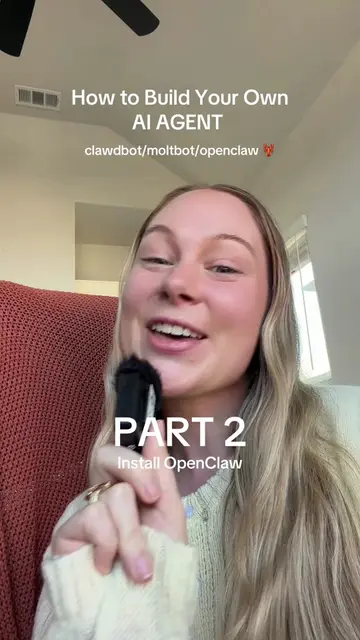
Here's how to set up your own AI agent and no coding required.
@techbyjaz
4.7K followers · usually 1.5K views a post
Views
97.6K
Likes
5.1K
Comments
126
Shares
655
Why it worked
The video provides high-value, actionable technical content that solves a specific problem, establishing authority while naturally integrating the product as the solution.
Summary
The creator provides a step-by-step tutorial on setting up a Mac mini to run an open-source AI agent framework called OpenClaw. The video covers account creation, security settings, and terminal commands to prepare the environment for the bot.
Structure
- 1Introduction to OpenClaw AI framework
- 2Setting up secure admin and bot user accounts
- 3Configuring Mac sharing and power settings
- 4
Original caption
I built an AI Agent that works for me 24/7. Here’s how to setup your own 🤖 PART 1: INTRO & SETUP 🦞 Clawdbot/Moltbot/OpenClaw 👩💻 Setup on Mac mini #macmini #openclaw #ai #tutorial #Tech
More from @techbyjaz
More breakout videos from this creator.