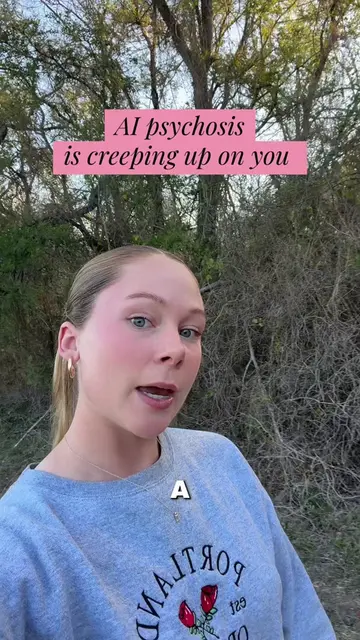
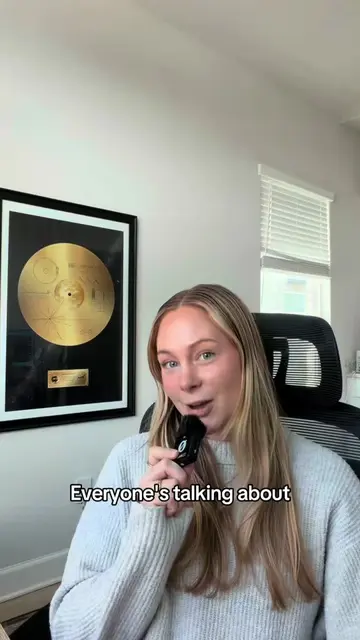
Loading video…
All breakouts
21.1Talking HeadHow-To hookAI Tools
Hook
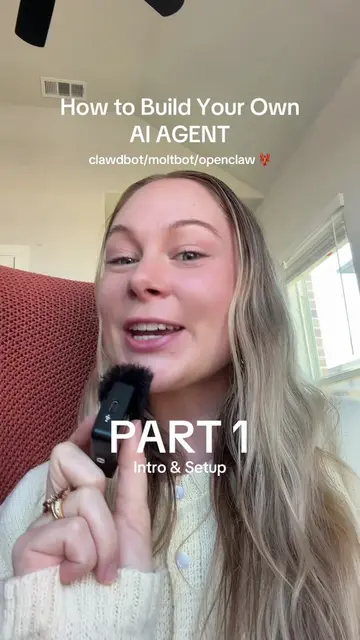
This is part two of how to set up your own AI agent, zero coding required.
@techbyjaz
4.7K followers · usually 1.5K views a post
Views
31.0K
Likes
2.0K
Comments
94
Shares
263
Why it worked
The video provides high-utility, technical 'how-to' content that solves a specific, complex problem (building an AI agent) in a clear, step-by-step format, making it highly shareable for tech-focused audiences.
Summary
The creator provides a step-by-step tutorial on how to install and configure an AI agent using the open-source framework OpenClaw. The video covers setting up the environment, selecting an AI model, integrating a messaging platform like Telegram, and testing the bot's functionality.
Structure
- 1Introduction to OpenClaw
- 2Terminal installation steps
- 3Selecting AI model and API key
- 4
Original caption
I built an Al Agent that works for me 24/7. Here's how to setup your own 🤖 PART 2: INSTALL OPENCLAW 🦞 Clawdbot/Moltbot/OpenClaw 👩💻 Setup on Mac mini #macmini #openclaw #ai #tutorial #Tech
More from @techbyjaz
More breakout videos from this creator.