Loading video…
All breakouts
9.9App DemoBefore / After hookAI Tools
Hook
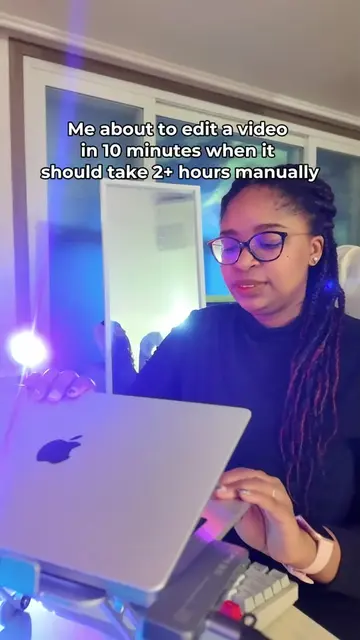
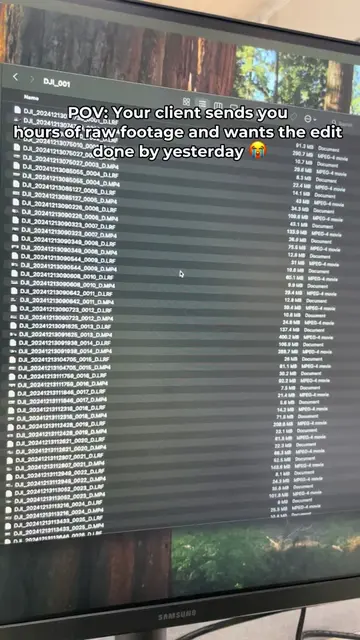
Getting your first draft is officially done with just a few clicks.
@tryselects
1.0K followers · usually 101 views a post
Views
4.1K
Likes
66
Comments
1
Shares
19
Summary
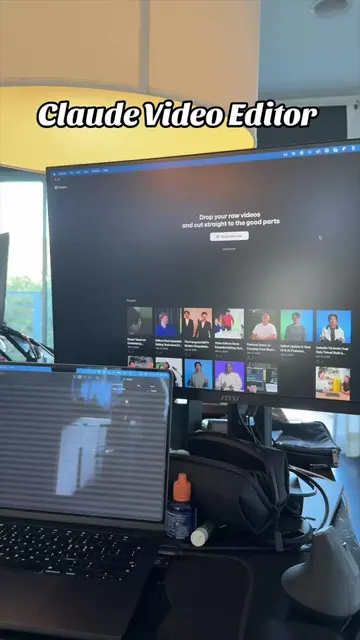
This video demonstrates how to use Selects, an AI-powered video editing software, to streamline the editing process. It showcases features like automatic assembly cuts, AI-assisted drafting, and text-based editing, ultimately saving users time and effort.
Transcript
Getting your first draft is officially done with just a few clicks. All you have to do is drag and drop your raw camera angles and audio into select. Choose your main tasks. Sink your multicam and audio, assembly cut. Then click the start edit button. Once this finished processing, everything is synced, silence is removed and your first assembly cut is done. Click hand off and send it straight to premiere, fine a cut or resolve to start the creative decisions. And that's it. Selects just saved you hours. You're welcome. It's like having an assistant editor make unlimited drafts. But before you hand off to your main editing software, Selects has AI tools and features to help you refine your drafts. First up is the YouTube video replicator. Copy and paste any YouTube video link you want to reference. Selects will analyze the rhythm of the video and create a draft based on the editing style. Next, we have prompt the draft. Click on draft the story line and tell the prompt how you want your video edited. If you're not sure how to phrase it, you can hit improve to let our AI sharpen your instructions. Select has watched and labeled all your files into topics and subtopics. Now you can start creating the base of your narrative. Open a new draft and just drag either the whole topic or the subtopic onto the timeline. Last but not least, our search feature. On the right is your transcript for text based editing. Highlight what you want to edit. Drag to add or delete to remove it from your timeline. Instead of scrubbing through hours of footage, click on the search icon to find anything. Even visual moments, like driving a car. You didn't sign up as an editor to organize bins. here to tell stories. Let's select be your assistant so you can create art. Try select now for free.
Original caption
Stop editing videos the unc way
More from @tryselects
More breakout videos from this creator.