Loading video…
Sound

original sound - lauraaad0
laura · Original audio
0:00–:––
Playing this video’s own audio, so you’ll hear the creator over the sound.
The video taps into the desire for accessible tech skills, showing a tangible result (a professional portfolio) achieved quickly with AI tools, making it aspirational and achievable for a non-technical audience.
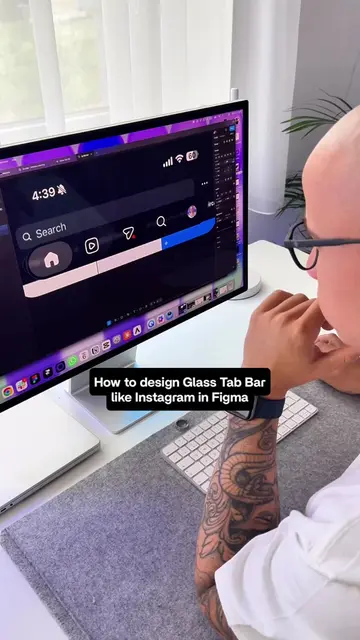
The creator demonstrates how to build a professional-looking portfolio website in under an hour using Figma and Claude AI, even with zero prior coding experience. She explains the process of using Figma to design, Claude AI to generate code from the design, and then deploying it on GitHub and Vercel.
zero coding experience but my portfolio lowkey looks like a senior dev made it 👩💻✨ Used Figma + Claude Code to go from basic AI-generated site → actually having taste. Took 1 hour. This is episode 1 of my new series breaking down tech tools for non-technical people in startups 🏗️ Full breakdown in the video ⬆️ #claudeai #figma #portfoliotips #learntocode #techgirlies
How to |
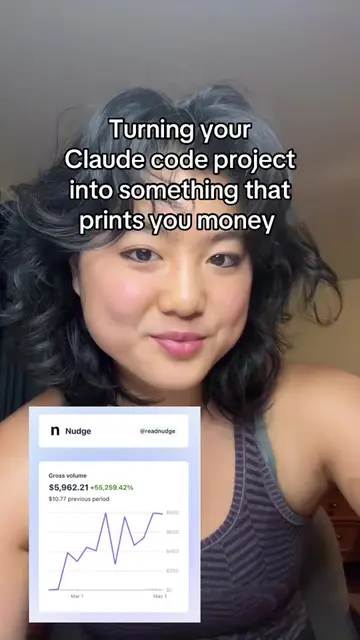
Introduction to the series and the creator's lack of coding experience.
Showcasing the old, uninspired portfolio and the desire for something better.
Demonstrating the use of Figma and a Figma-to-code plugin.
Explaining the integration with Claude AI for code generation.
Showing the process of uploading to GitHub and deploying on Vercel.
Concluding with the final portfolio and a call to action for part 2.
Figma: ACTS - used to design and rebuild a portfolio website. Removing it would change the video. Claude AI: ACTS - used to read a Figma design and generate code for a portfolio website. Removing it would change the video. Vercel: ACTS - used to deploy a portfolio website. Removing it would change the video. GitHub: ACTS - used to upload code for a portfolio website. Removing it would change the video.
Follow along for part 2
Playing this video’s own audio, so you’ll hear the creator over the sound.
Collaborative design software for designers and product teams
All time.
Promotes 2 products. Create free account to see more.
Outliers and viral hits: their videos on Overshot, all time.