Loading video…
Sound

original sound - phantom_mvv
Фантом | ТЕХНОБЛОГ 📱 · Original audio
0:00–:––
Playing this video’s own audio, so you’ll hear the creator over the sound.
We didn’t find a product being promoted in this video. Its hook, format and structure below still show why it took off.
Browse products winning on TikTokThe video provides a practical and easily replicable solution for a common problem (expense tracking) using a native iOS feature (shortcuts), making it highly shareable and useful.
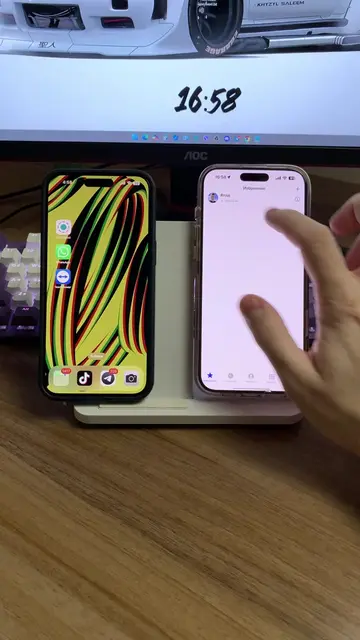
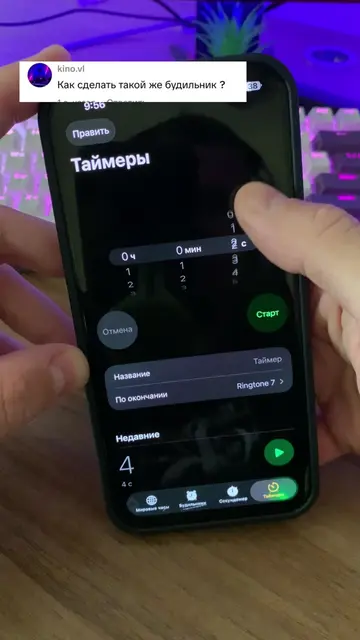
The video demonstrates how to create an iPhone shortcut for tracking expenses. It shows how to input the amount spent, select a category, add a comment, and how the data is automatically saved to notes with date and time.
🤯📱УЧЁТ РАСХОДОВ НА IPHONE В 1 НАЖАТИЕ #iphone #команды #лайфхак
Как удобно вести учет расходов
Demonstrate expense tracking shortcut
Input amount and category
Add comment and save
Show saved entry in notes
Mention automatic saving with Apple Pay
Provide link to the shortcut
Playing this video’s own audio, so you’ll hear the creator over the sound.
Promotes 5 products. Create free account to see more.
Outliers and viral hits: their videos on Overshot, all time.