Loading video…
Sound

original sound - no name
no name · Original audio
0:00–:––
Playing this video’s own audio, so you’ll hear the creator over the sound.
The video solves a common pain point (manual expense tracking) by demonstrating a highly efficient, automated workflow using native tools, making the creator's custom template feel like a valuable productivity hack.
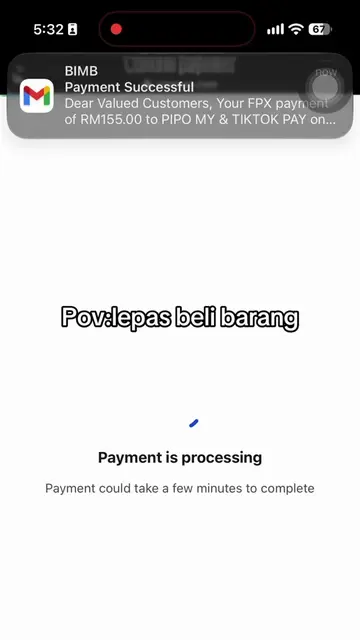
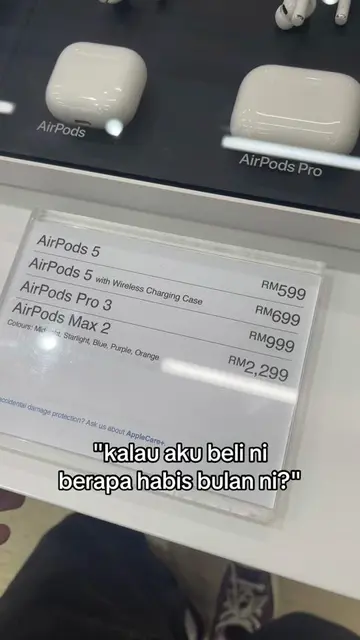
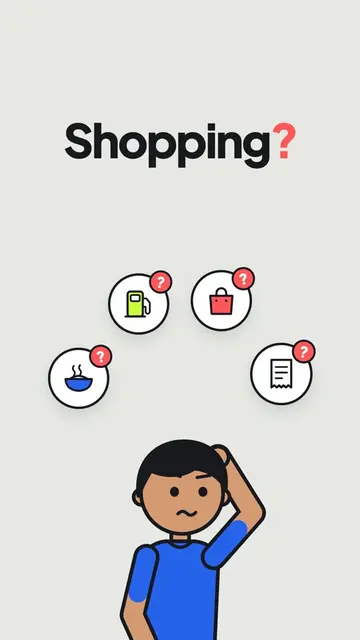
The creator demonstrates how to use the Apple Shortcuts app to automate daily expense tracking into a Google Sheets template. The video guides the viewer through the step-by-step process of setting up and using this custom workflow.
Rugi la tak guna Shortcuts
Kau tahu tak app ni dekat iPhone kau?
Hook questioning iPhone app knowledge
Introduction of the Shortcuts and Google Sheets integration
Step-by-step demonstration of logging an expense
Showing the automated result in Google Sheets
Call to action to access the template
(a) Shortcuts (Apple) ACTS: it is the interface operated to automate data entry. (b) Google Sheets (Google) ACTS: it is the destination where the data is recorded and displayed. (c) My Money Go (Custom template) ACTS: it is the specific shortcut workflow being operated. Removing these would change the video entirely as they are the subject of the demonstration.
Nak cuba? Tekan link in bio.
Playing this video’s own audio, so you’ll hear the creator over the sound.
Promotes 1 product. Create free account to see more.
Outliers and viral hits: their videos on Overshot, all time.
IPhone Shortcut that logs purchase expenses to Google Sheets for people tracking spending
All time.