Loading video…
All breakouts
5.5Talking HeadOther hookConsumer Apps
Hook
sorry iOS 9 I wanted more support 🥺
@catpop36
6.6K followers · usually 5.1K views a post
Views
17.0K
Likes
436
Comments
41
Shares
13
Why it worked
The video likely resonated with viewers interested in older iOS versions or iPhone customization, tapping into nostalgia or a desire for specific functionalities associated with older software. The visual of a cracked screen and the process of flashing the device creates intrigue.
Summary
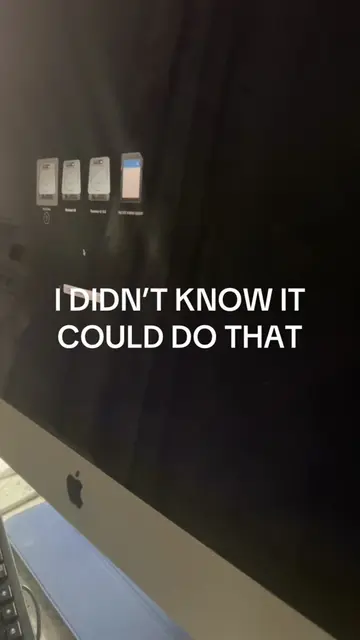
The video shows a cracked iPhone screen displaying its iOS version as 9.2. It then transitions to a computer screen showing software that appears to be flashing the iPhone, with a progress bar indicating "Requesting SHSH" at 9%. Finally, it shows the iPhone's setup screen, indicating a successful restore or update.
Structure
- 1Showing iPhone's iOS 9.2 version on a cracked screen
- 2Displaying software flashing the iPhone
- 3Showing the iPhone setup screen
Product placement
The video shows an iPhone running iOS 9.2, and then uses software (likely a jailbreaking or firmware flashing tool) to update or restore the iPhone. The specific software used is not explicitly named but is implied to be a tool for managing iPhone firmware.
On-screen text
sorry iOS 9 I wanted more support 🥺
Name
About
iPhone
Network
Not Available
Songs
0
Videos
8
Photos
26.2 GB
Capacity
25.4 GB
Available
Version
9.2 (13C75)
Carrier
Not Available
Model
MN392LL/A
Serial Number
F2LXN3LJHFM3
Wi-Fi Address
48:A9:1C:55:1C:87
Bluetooth
18:A9:1C:4F:22:C6
Easy Flash Reminder
A good connection between iDevice and PC could improve the flashing success rate, so please use a genuine USB cable.
iDevice Type: iPhone 6S Plus (iPhone8,2)
Firmware version:9.2 upgrade to 15.8.7
Firmware: iPhone_5.5_15.6.7_19H11_Restore.ipsw
Jailbroken: No
Back Up Now: No (Back Up Now is supported to do a all-data backup before the flash)
Draws are supported to do a all-data backup before the flash
Flash mode: Retain User's Data
(Data may not be retained with passcode while flashing)
Only battery health during Flash
Only battery health during Flash
Flash
Cancel
Retain data flash is progressing (about 15 minutes), please k
Welcome to iPhone
Get Started
12:37 PM
Original caption
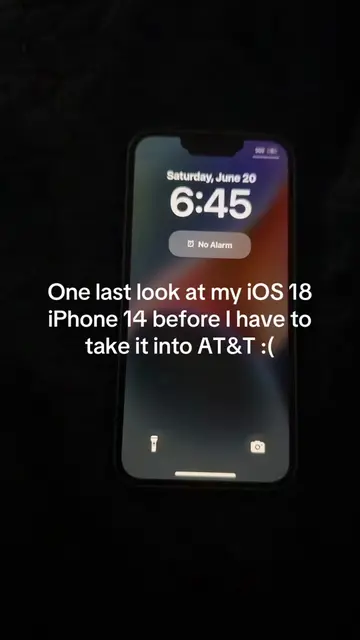
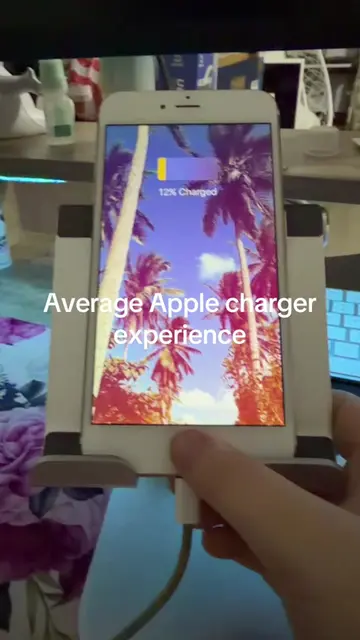
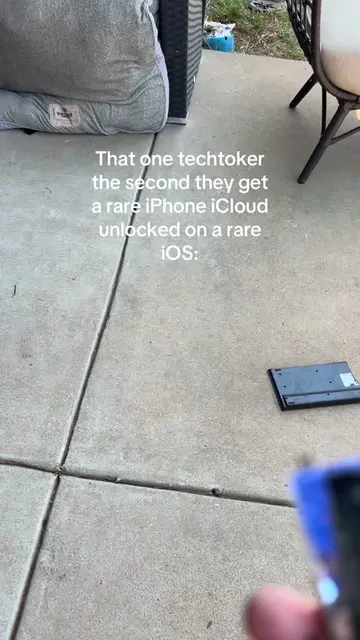
Tons of you are gonna hate for this #ios9 #ios #rare #iphone #techtok
More from @catpop36
More breakout videos from this creator.