Loading video…
Sound

original sound - candyleaf
Grace Ling 🐰 · Original audio
0:00–:––
This video promotes it, but we haven’t matched it to a product page yet, so there are no product figures.
The video combines a relatable, creative project with a clear demonstration of a new AI tool, making the product feel accessible and fun rather than like a dry software pitch.
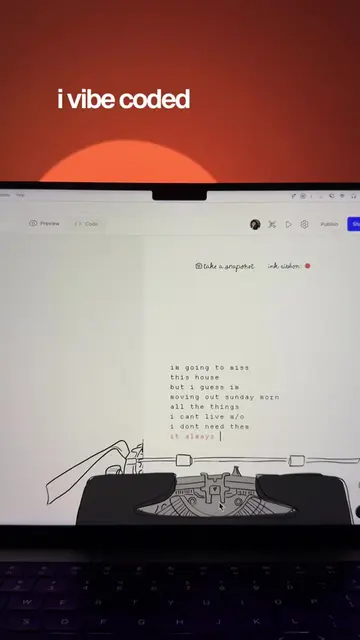
The creator explains how she used Figma Make to build a custom bunny character creator game for her design community. She walks through the process of using prompts and iterative design to create the game's features.
How I made a bunny game for my community using Figma make using my own original art as a design reference. Check the link in my bio! #ad @figma #figmamake [design community, graphic design, ux design, product design, ui design, figma, figma make, design inspiration, creative community, creator community, content creator, digital creator, creative tools, design tools, design process, interactive design, game design, character design, kawaii design, creative technology]
I made a bunny creator game for my design community
Introduce the bunny creator game concept
Explain the inspiration behind the project
Show the original illustration assets
Demonstrate the prompt-based creation process
Show the final interactive game interface
Ask the audience for feedback
Figma Make is the primary tool demonstrated throughout the video for building the game.
Check the link in my bio!
Outliers and viral hits: their videos on Overshot, all time.